
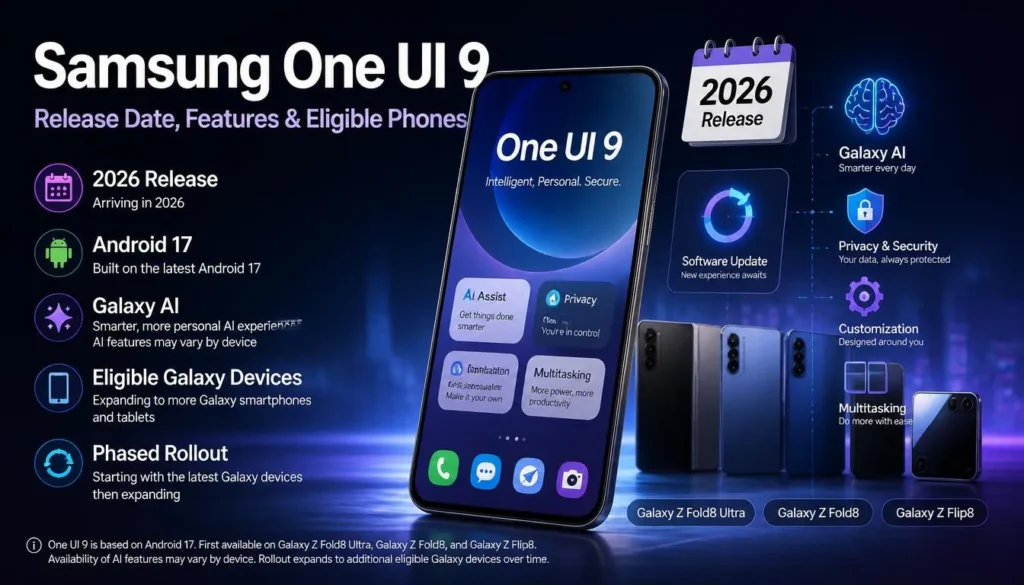
Samsung One UI 9: Release Date, Features, and Which Phones Get It First
Samsung has not released One UI 9 yet. The Android 17-based update is still in development, with testing focused on the Galaxy S26 series and a stable public rollout expected later in 2026.
That distinction matters because online reports have mixed confirmed information with leaked build details and speculative schedules. Here is what we can say with confidence, what has surfaced through testing, and which Galaxy phones are most likely to receive the update first.
One UI 9 Release Date: What Is Confirmed
Samsung has not announced a final public One UI 9 release date or published an official device-by-device rollout calendar. The company has, however, been testing the software on the Galaxy S26 lineup, which is the strongest sign that those phones will be among the first existing devices to receive the stable update.
Based on Samsung’s recent rollout pattern, a stable launch later in 2026 is plausible. That is an informed expectation, not a confirmed date. Availability can also vary by country, carrier, and model number, so two owners of the same phone may not receive the update on the same day.
The most sensible expectation is that the Galaxy S26, S26+, and S26 Ultra will lead the rollout once Samsung completes its beta program. New Galaxy phones released around the same period could ship with One UI 9 already installed, but Samsung has not confirmed that product schedule.
Beta Availability
One UI 9 beta builds have appeared for the Galaxy S26 series in selected markets. Beta programs are not public-release guarantees: Samsung can add features, remove features, or delay the stable firmware if it finds performance, battery, security, or carrier compatibility problems.
If your device is eligible for the Samsung Members beta program in your region, the enrollment notice normally appears inside the Samsung Members app. Do not install firmware files from unofficial sources to get the update early. Region mismatches and unsupported manual installations can cause update failures, break banking apps, or complicate warranty support.
Features Samsung Has Confirmed
Samsung has not published a complete One UI 9 feature list. At this stage, the company has confirmed the broader direction of Android 17 support through its testing program, but it has not detailed the final software feature set in a full public changelog.
That means any article presenting a definitive list of new One UI 9 tools should be treated cautiously unless Samsung adds it to official release notes. Features can look finished in a beta build and still be pulled before the public rollout.
Features Reported in Leaks
Several changes have appeared in leaked or reported test builds. These are not official commitments, and their names or behavior may change before release.
Refined Settings Search
Reported builds show a redesigned Settings search experience, with a more prominent search field and clearer matching results. If it makes the final version, the change should make it easier to locate less obvious controls without digging through several menus.
Leaks have also pointed to a system-level “Tap to Share” function for initiating nearby sharing between compatible devices. Samsung already offers Quick Share, so the key question is whether this becomes a simpler shortcut or a more substantial upgrade to the existing sharing workflow.
New Bixby Widgets
Test software has reportedly included additional Bixby widgets. The expected goal is quicker access to routines and context-aware actions from the home screen, but Samsung has not publicly confirmed which widgets will be available in the stable build.
Gallery Editing Suggestions
Some early reports describe smarter prompts in Samsung’s photo-editing tools, including suggestions for common Image adjustments. Samsung has invested heavily in Galaxy AI features over recent releases, so further photo-editing assistance would fit that strategy, but the exact implementation remains unconfirmed.
Interface and Accessibility Tweaks
Reported test builds point to small visual changes, smoother animations, and accessibility refinements rather than a wholesale redesign. Those modest improvements are consistent with how Samsung has approached recent major One UI versions: substantial changes under the surface, with familiar navigation for existing users.
Which Phones Should Get One UI 9 First?
Samsung has not released its official eligibility list for One UI 9. The likely order below is based on each device’s original software-update commitment and Samsung’s typical rollout sequence; it should not be read as a confirmed schedule.
The Galaxy S26 family is the clearest candidate to get the first stable build because it is already associated with One UI 9 beta testing. Recent Galaxy S and Z devices should follow if they remain inside their promised major-update window.
Budget and mid-range Galaxy models may receive the update later, even when they are eligible. Samsung typically stages those rollouts by region, model, and carrier certification, which makes a single global date unrealistic.
Devices That May Not Make the Cut
A phone’s age alone is not enough to determine eligibility. Samsung’s support policies differ across generations, and some older flagships have already reached the final major Android update promised at launch.
For example, the Galaxy S22 series and Galaxy Z Fold 4 / Z Flip 4 are less likely to receive Android 17 if their major-version commitments have ended. Owners should check the support promise attached to their specific model, rather than relying on broad lists circulating before Samsung’s formal announcement.
Read also: Samsung One UI vs Stock Android: 10 Key Differences
How to Prepare for the Update
There is no need to rush anything before the One UI 9 release date is announced. Still, a little preparation can make a large software update less disruptive when the notification arrives.
-
Install the latest security updates so the upgrade has the most up-to-date firmware base.
-
Back up photos, messages, and device settings to Samsung Cloud, Google One, or another trusted service.
-
Keep at least 10GB of free storage available for the download, installation files, and post-update optimization.
-
Update important apps through Galaxy Store and Google Play before and after installing the new software.
-
Wait for the official over-the-air notification instead of downloading unverified firmware packages.
What Happens Next
The next meaningful milestone is a formal Samsung announcement that confirms the stable One UI 9 release date, the final feature list, and the eligible-device rollout schedule. Until then, beta observations and leaks are useful indicators, but they are not substitutes for official release notes.
For now, Galaxy S26 owners have the best reason to watch for early access. Everyone else should expect a phased rollout, check Samsung Members and the Software Update menu periodically, and avoid treating an unconfirmed date as a promise.