
Samsung OneUI vs Stock Android: 10 Real Differences
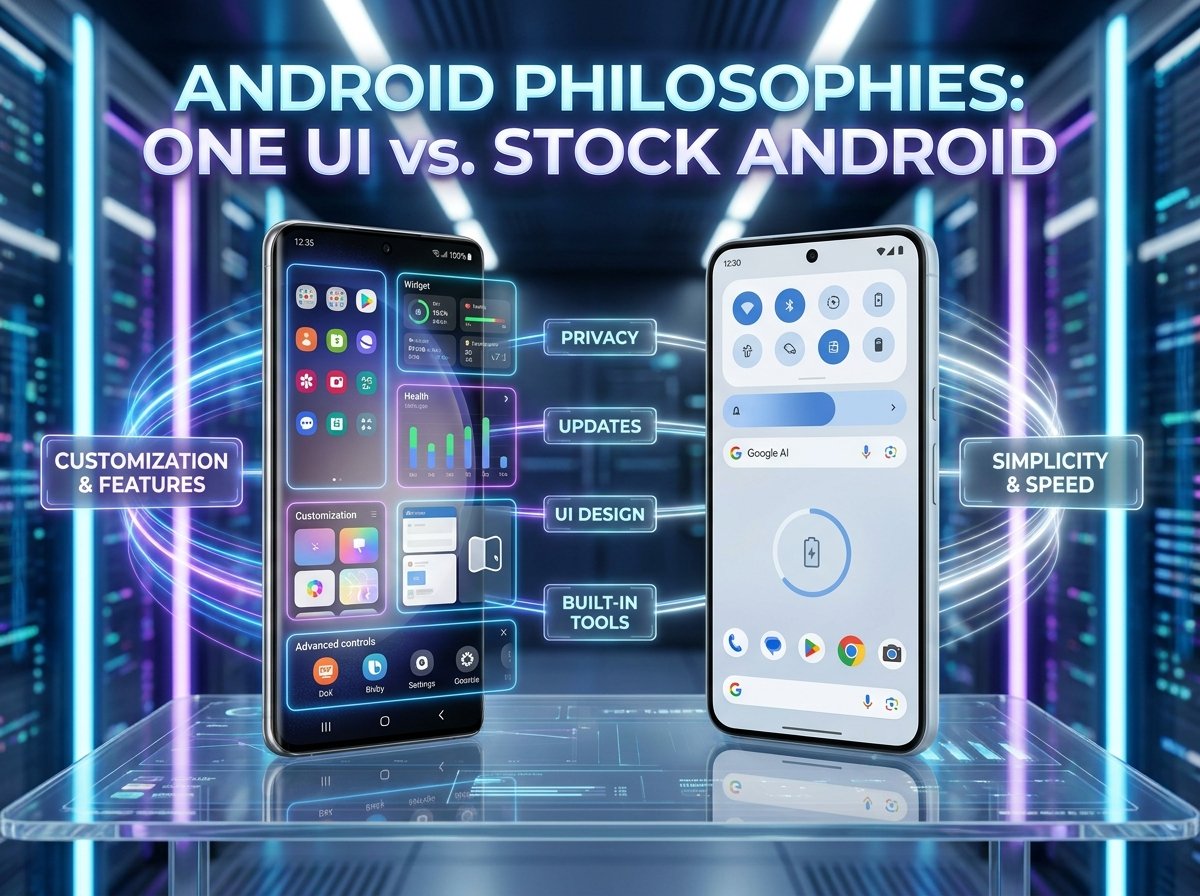
Samsung One UI and stock Android now feel like two different philosophies built on the same base. One UI is layered, feature-heavy, and designed to give users more control, while stock Android stays minimalist, lighter, and closer to Google’s own vision.
That is why this comparison matters. If you are choosing between a Galaxy phone and something closer to Google’s Android experience, the decision affects how your phone looks, how fast it gets updates, how much it lets you customize, and how many built-in tools you get from day one.
1. Design language
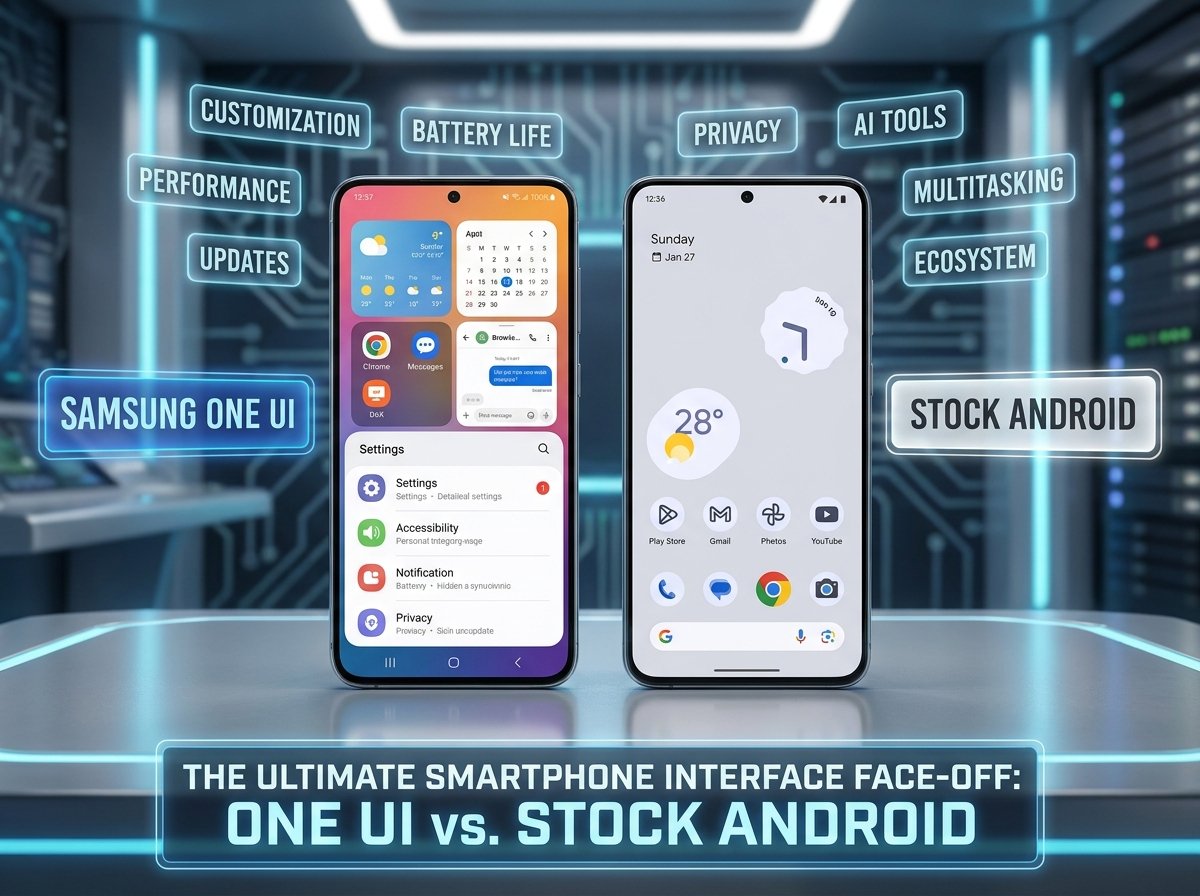
One UI uses Samsung’s own design language with larger rounded-square icons, a frosted-glass look, and controls placed lower on the screen for easier one-handed use on tall phones. Stock Android stays closer to Google’s minimalist Material style, with smaller circular icons and a cleaner overall layout.
That means One UI often feels more branded and visually busy, while stock Android feels calmer and more restrained. Some users call One UI richer, while others call it cluttered.
2. Customization
This is one of the biggest gaps. Samsung offers Good Lock, theme packs, icon tweaks, widget changes, animation adjustments, and even shortcut remapping, which makes One UI far more customizable out of the box.
Stock Android supports Material You colors, widgets, and some basic appearance controls, but bigger changes usually require third-party launchers or icon packs. If customization matters a lot to you, One UI clearly wins.
3. Preinstalled apps
Samsung ships a larger app suite by default, including Galaxy Store, Samsung Internet, Samsung Notes, SmartThings, Galaxy Wearable, and more. Android Police notes that many can be removed, but some like Galaxy Store remain persistent, while stock Android is much cleaner out of the box.
Stock Android typically includes Google’s core apps and a few device-specific extras, and almost everything can be removed more easily. The result is more free space and less duplication on stock Android.
4. Performance feel
Both run well on good hardware, but stock Android often feels faster because it uses fewer custom animations and less UI overhead. Android Police says Pixels often feel quicker and more consistent, especially because of Google’s tight hardware-software tuning.
One UI has improved a lot and performs very well on flagship Galaxy phones, but its heavier interface can still introduce slight lag on some midrange devices. On top-end phones, the difference is smaller than many people expect.
5. Software updates
Stock Android gets updates first. Pixels receive new Android versions and security patches on day one, while Galaxy phones usually get them later, after Samsung adds One UI changes.
That delay can range from weeks to months. Samsung has improved long-term support and now matches Google with seven years of OS and security updates on recent flagship devices, but it still does not usually match Google’s speed.
6. Features and productivity
One UI gives you more built-in tools, and this is where Samsung often pulls ahead. Android Police highlights Samsung DeX, Edge Panels, deeper multitasking options, and Samsung’s broader device ecosystem as major advantages over stock Android.
Stock Android has strengths too, especially in clean Google integration and Gemini AI support, but it does not match Samsung’s feature depth. If you want desktop mode, richer multitasking, and more built-in utility, One UI is the stronger package.
7. One-handed use
Samsung explicitly designs One UI for one-handed use by placing important controls lower on the display. That makes a real difference on large Galaxy phones, especially if you use your device with one hand often.
Stock Android does not emphasize this as strongly. It is still easy to use, but it feels more like a standard layout rather than one optimized around reachability.
8. Battery tools
Stock Android is often described as slightly lighter and more efficient in standby use because of its minimal design and fewer extra background layers. EasyPhones also notes that Google’s adaptive battery helps limit background activity based on your usage patterns.
Samsung counters that with stronger built-in battery tools like Adaptive Power Saving and Sleep Apps, which can extend endurance in practical use. In other words, stock Android may be lighter, but One UI gives you more manual control.
9. Ecosystem experience
Samsung has a stronger brand-specific ecosystem around Galaxy Buds, Galaxy Watch, tablets, SmartThings, and DeX. If you already use Samsung hardware, One UI makes that ecosystem feel more connected.
Stock Android is better aligned with Google’s ecosystem, especially Google apps, Pixel-exclusive tools, and Gemini integration. That makes it more appealing if you want Google-first software with fewer manufacturer layers.
10. Whose suits each one’s best
One UI is better for users who want features, settings, multitasking, personalization, and stronger device-to-device integration inside Samsung’s world. Stock Android is better for people who want simplicity, fast updates, fewer duplicate apps, and a cleaner starting point.
That is why there is no universal winner. Android Police says One UI excels at customization, while stock Android excels at simplicity, faster updates, and tight Google integration.
Side-by-side view
FAQ
Is Samsung One UI better than stock Android?
It depends on what you want. One UI is better for customization and features, while stock Android is better for simplicity and faster updates.
Is stock Android faster than One UI?
It often feels faster because it is lighter and uses fewer custom layers, though the difference is smaller on flagship phones.
Does One UI have more bloatware?
Yes, generally. Samsung includes more preinstalled apps and some duplicates compared with stock Android.
Which gets updates faster?
Stock Android on Pixel phones gets Android versions and security patches first. Samsung updates usually arrive later.
Is One UI better for productivity?
Yes. Features like DeX, Edge Panels, deeper multitasking, and Samsung’s ecosystem make One UI stronger for productivity users.
Which is better for beginners?
Stock Android is usually easier for beginners who want a clean and simple phone. One UI can be just as good, but it gives you more settings and options to manage.
