

6 Important Android Developer Updates You Shouldn’t Ignore in 2026
Android development moves fast, but not every update deserves the same level of attention. Some changes are small quality-of-life improvements. Others can affect app performance, user trust, design decisions, testing workflows, and even long-term revenue. That is why keeping up with the 6 Important Android Developer Updates You Shouldn’t Ignore is more than a news habit. It is part of building better apps and avoiding expensive mistakes later.
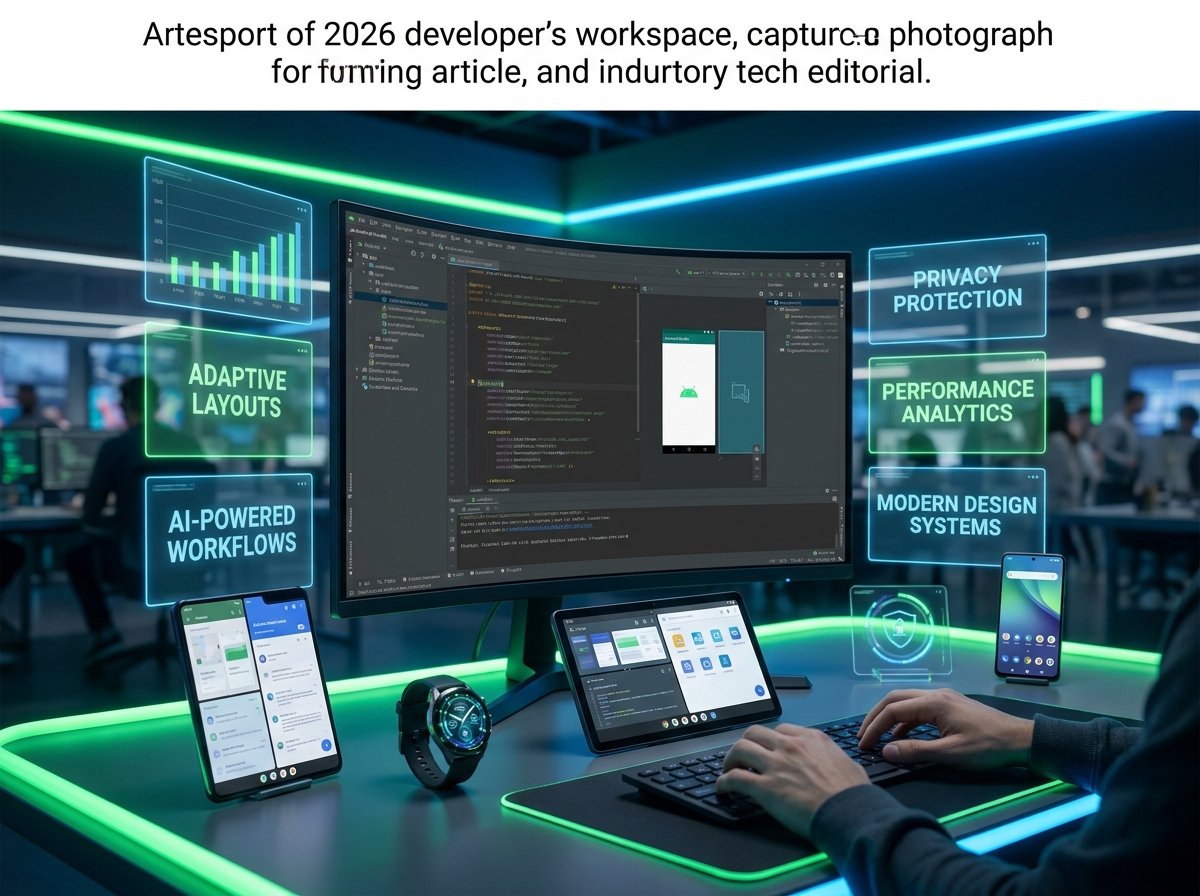
In 2026, Android developers are dealing with a bigger shift than many people realize. The platform is no longer only about phones. It now spans foldables, tablets, watches, AI-powered experiences, stronger privacy rules, and more demanding quality expectations. If you ignore the wrong update, your app may still work, but it can quickly start feeling old, slow, or out of step with what users expect.
This guide breaks down the six updates that matter most right now, explains why they matter, and shows what developers should do next.
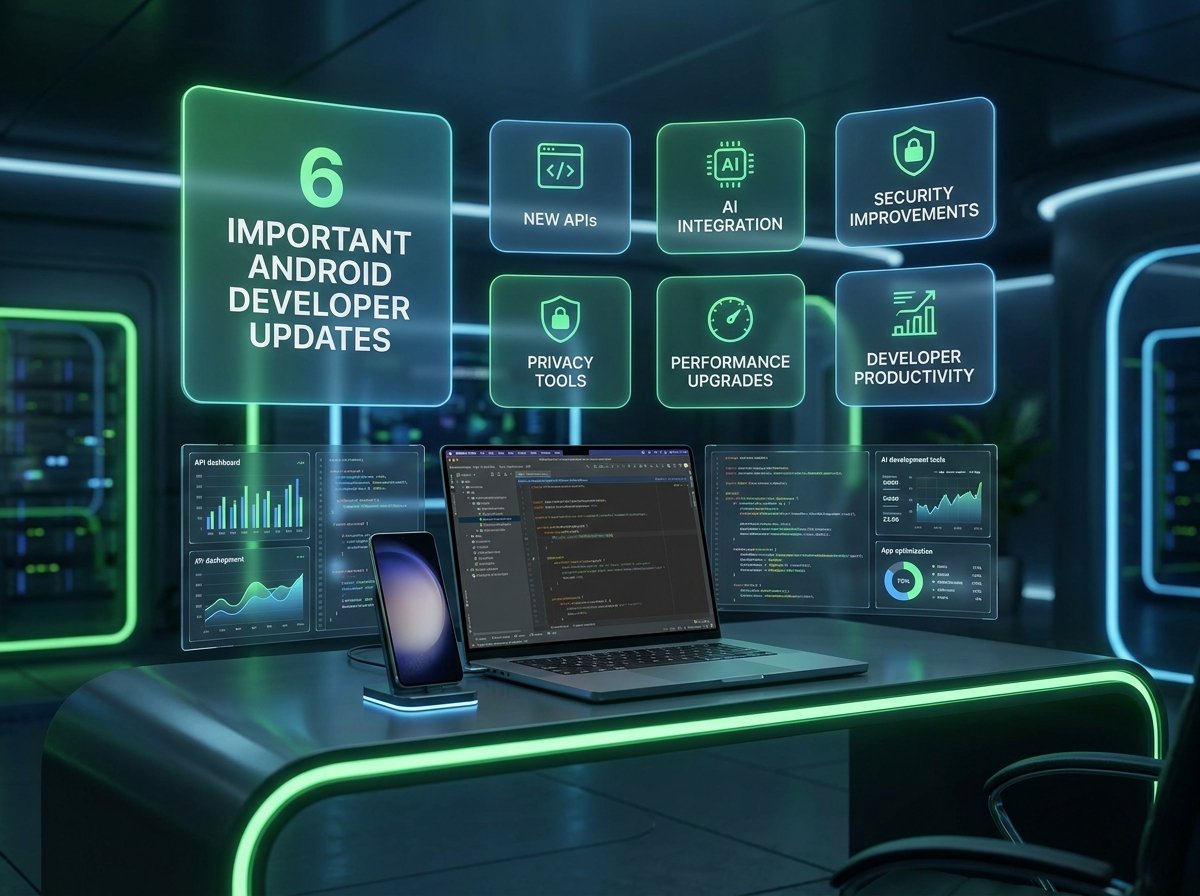
Table of Contents
-
Why Android updates matter more in 2026
-
-
Android beta readiness is no longer optional
-
-
-
Jetpack Compose is now central, not secondary
-
-
-
AI features are moving into real Android apps
-
-
-
Adaptive design matters more than mobile-only design
-
-
-
Privacy and security changes are shaping app architecture
-
-
-
Testing and performance expectations are getting stricter
-
-
Quick comparison table
-
FAQ
-
Conclusion
Why Android Updates Matter More in 2026
A few years ago, many Android teams could afford to move slowly. They could wait for a stable release, ignore early beta changes, and postpone design upgrades until users started complaining.
That approach is much riskier now.
Users expect apps to feel polished on more device types. Google expects better compatibility, smoother performance, and stronger privacy handling. At the same time, developers are being pushed toward newer tools, modern UI systems, AI-powered workflows, and adaptive layouts.
So when we talk about the 6 Important Android Developer Updates You Shouldn’t Ignore, we are really talking about the areas that can change how you build, test, ship, and maintain Android apps in 2026.
1. Android Beta Readiness Is No Longer Optional
One of the biggest mistakes small teams still make is waiting too long to test upcoming Android versions.
That used to be manageable. Today, it creates unnecessary risk.
When a new Android beta appears, it gives developers an early look at behavior changes, permission changes, background restrictions, UI differences, and API updates. If your team waits until the final release, you lose valuable time. Then compatibility fixes become urgent instead of planned.
This matters even more for apps that depend on:
-
Notifications
-
Background services
-
File access
-
Camera behavior
-
Media playback
-
Location features
-
Wearable or companion-device support
For example, a finance app may rely on secure session handling, notifications, and biometric login. A small platform-level change can affect one of those flows in subtle ways. If you catch it early in beta, you have time to test properly. If you catch it late, users may discover the issue before your QA team does.
What developers should do
-
Set a habit of testing your app on current Android betas.
-
Review behavior changes, not just new APIs.
-
Prioritize critical user journeys such as login, payments, uploads, and notifications.
-
Test on both physical devices and emulators when possible.
The update here is not just “a new Android version is coming.” The real update is that beta preparedness has become part of normal Android development.
2. Jetpack Compose Is Now Central, Not Secondary
Another major item on the list of 6 Important Android Developer Updates You Shouldn’t Ignore is the growing importance of Jetpack Compose.
For many teams, Compose started as something experimental. Then it became something promising. In 2026, it is much closer to becoming the expected direction for modern Android UI work.
That does not mean every app must fully rewrite its interface immediately. But it does mean developers should stop treating Compose like a side project.
Why? Because Compose changes how teams build UI:
-
It reduces boilerplate for many interface patterns.
-
It makes UI state easier to reason about.
-
It improves iteration speed for modern designs.
-
It fits better with reactive app architecture.
More importantly, many newer Android design patterns feel more natural in Compose than in older XML-heavy workflows.
Real-world example
Imagine you are building a budgeting app. The dashboard includes:
-
Account summary cards
-
Spending charts
-
Category chips
-
Expandable transaction sections
-
Contextual alerts
That kind of interface can become much easier to maintain in a Compose-first setup, especially when the app also needs dark mode, tablet scaling, and dynamic content updates.
What developers should do
-
Start using Compose for new screens, even if your app is hybrid.
-
Avoid rewriting stable screens without a reason.
-
Build a design system early to keep components consistent.
-
Train the team on state management, previews, and performance basics.
The important shift is mental. Compose is no longer the future of Android UI. It is part of the present.
3. AI Features Are Moving Into Real Android Apps
AI is no longer limited to chatbots and marketing demos. It is becoming a practical layer inside Android apps.
This is one of the most important parts of the 6 Important Android Developer Updates You Shouldn’t Ignore, because it changes what users expect from apps and what developers can build without massive custom infrastructure.
In 2026, Android developers are exploring AI for:
-
Smart search
-
Summaries
-
Writing assistance
-
Image analysis
-
Voice transcription
-
In-app recommendations
-
Support automation
-
Workflow shortcuts
The key point is this: users do not care whether a feature is “AI-powered” unless it saves time or removes friction.
That is why the best AI features are often quiet ones.
For example:
-
A note-taking app can summarize a long voice memo.
-
A shopping app can improve product discovery with natural-language search.
-
A productivity app can rewrite rough text into cleaner updates.
-
A travel app can translate itinerary details or extract actions from screenshots.
The real risk
Many developers want to add AI just because it sounds modern. That leads to weak features that look impressive in demos but solve no real problem.
A better question is:
What repetitive or confusing task inside my app could become easier with AI?
What developers should do
-
Start with one narrow, useful AI feature.
-
Focus on trust, speed, and clarity.
-
Avoid letting AI make high-risk decisions without user review.
-
Be transparent when content is generated or summarized.
AI can improve Android apps, but only when it supports a real use case. That is the update worth paying attention to.
4. Adaptive Design Matters More Than Mobile-Only Design
A major Android shift that many teams still underestimate is the move away from phone-only thinking.
Android apps now need to work better across:
-
Foldables
-
Tablets
-
Large-screen phones
-
ChromeOS-style environments
-
Multi-window use cases
-
Watches and companion experiences
This makes adaptive design one of the most practical items in the 6 Important Android Developer Updates You Shouldn’t Ignore.
The old approach was simple: design one phone layout and stretch it when needed.
That is no longer enough.
Users now open apps in split-screen mode, use foldables in different postures, switch between portrait and landscape more often, and expect apps to use screen space intelligently.
What bad adaptation looks like
-
Giant empty margins on tablets
-
Stretched phone layouts on foldables
-
Poor list-detail workflows
-
Unusable landscape layouts
-
Awkward multi-pane experiences
What better adaptation looks like
-
Responsive layouts that reorganize content
-
List-detail views on large screens
-
Better navigation patterns for wider displays
-
Smarter use of panels, cards, and sidebars
-
Interfaces that feel designed, not stretched
Example
A forex or finance app may show:
-
A watchlist on the left
-
Market details in the center
-
News or trade actions on the right
That layout can be far more useful on a tablet or foldable than forcing users through one narrow phone-style screen at a time.
What developers should do
-
Test layouts on more than one screen size.
-
Design for width classes, not only fixed dimensions.
-
Review navigation for larger screens.
-
Make sure forms, charts, and content blocks scale well.
In 2026, adaptive design is not a bonus feature. It is part of modern Android quality.
5. Privacy and Security Changes Are Shaping App Architecture
Privacy and security updates rarely create flashy headlines, but they often create the biggest development consequences.
That is why they belong firmly inside the 6 Important Android Developer Updates You Shouldn’t Ignore.
Users are more sensitive about data access now. Platforms are stricter. Regulators are more active. And apps that feel careless with permissions can lose trust quickly.
For Android developers, this affects several areas:
-
Permission requests
-
Background access
-
File handling
-
Location usage
-
Contact access
-
Credential storage
-
Authentication flows
-
Fraud prevention
The direction is clear: ask for less, explain more, and protect better.
Why this matters for monetization too
Poor privacy practices do not only create technical risk. They can hurt business performance.
Apps with unclear permission behavior often see:
-
Lower install-to-signup conversion
-
Higher churn
-
Worse reviews
-
More support complaints
-
Lower trust for paid features
If you run an app in finance, health, business, or communications, this matters even more. Sensitive apps are judged more harshly when privacy design feels sloppy.
What developers should do
-
Audit permissions and remove any that are not essential.
-
Use modern authentication practices such as passkeys and secure biometrics where appropriate.
-
Minimize sensitive data storage.
-
Explain why a permission is needed before the system prompt appears.
-
Treat privacy UX as part of product design, not just compliance.
Security is no longer something handled only at the backend layer. It now shapes the Android app experience directly.
6. Testing and Performance Expectations Are Getting Stricter
The final item in the 6 Important Android Developer Updates You Shouldn’t Ignore is the rising importance of quality discipline.
Android users have more choice than ever. If an app feels slow, drains battery, crashes, stutters, or behaves inconsistently across devices, many users will simply uninstall it.
This means testing and performance work can no longer be treated as cleanup at the end of a release cycle.
What developers are being judged on
-
Startup speed
-
Smooth scrolling
-
Stability
-
Battery impact
-
Network efficiency
-
ANR and crash rate
-
Compatibility across device sizes
-
Reliability under poor connectivity
This is especially important for apps in competitive niches like trading, payments, travel, social, and productivity.
A user may forgive a missing feature.
They rarely forgive a broken core experience.
Example
Think about a forex app that:
-
Loads slowly on launch
-
Delays chart updates
-
Drops price alerts
-
Freezes during login
-
Consumes too much battery in the background
Even if the app has strong data and good analysis tools, the user experience will feel unreliable. That damages trust quickly.
What developers should do
-
Measure startup and rendering performance early.
-
Track crash and ANR trends continuously.
-
Test on low-end and mid-range devices, not only flagships.
-
Simulate poor network conditions.
-
Treat performance regression as a product issue, not just an engineering detail.
In 2026, quality is a feature. Fast, stable apps win.
Quick Comparison Table
How to Prioritize These Updates as a Developer
Not every team has the time to tackle all six areas at once.
If you are a solo developer or small startup, use this order:
-
Protect app stability and compatibility first.
-
Fix privacy and permission issues second.
-
Improve performance and testing discipline third.
-
Modernize UI with Compose where it adds value.
-
Expand to adaptive layouts as your product grows.
-
Add AI only when it solves a real user problem.
This order works because it protects the core experience before chasing trends.
A polished, trustworthy, fast app usually beats a flashy app with weak fundamentals.
FAQ
1. What is the most important Android developer update in 2026?
For most teams, the most important update is staying ready for new Android platform changes while keeping apps stable on the current version. Platform compatibility problems can affect every user, so they deserve the highest priority.
2. Should every Android app switch to Jetpack Compose?
Not immediately. A full rewrite is not always smart. But most modern Android teams should seriously consider using Compose for new features and screens.
3. Is AI now necessary for Android apps?
No. AI is not required. It only becomes valuable when it solves a real user problem such as summarizing content, improving search, or reducing repetitive actions.
4. Why does adaptive design matter so much now?
Because Android no longer lives only on standard phones. Apps now run across tablets, foldables, large-screen devices, and multi-window environments, so stretched phone layouts feel outdated.
5. Are privacy updates mainly a legal issue?
No. They are also a product and trust issue. Users notice when apps ask for too much access or explain permissions poorly, and that can hurt retention.
6. What should small Android teams focus on first?
Small teams should start with compatibility, stability, privacy, and performance. Those areas affect every user and provide the strongest return on effort.
7. How often should Android developers review major updates?
A good habit is to review platform, library, and tooling changes regularly throughout the year instead of waiting for one big annual catch-up.
Conclusion
The real value behind the 6 Important Android Developer Updates You Shouldn’t Ignore is not the headlines themselves. It is what they reveal about where Android is going. The platform is becoming more adaptive, more privacy-conscious, more performance-sensitive, and more open to practical AI experiences.
For developers, that creates both pressure and opportunity.
The pressure comes from faster change, higher expectations, and more device complexity. The opportunity comes from building apps that feel smarter, more polished, and more trustworthy than the average competitor.
If you want better rankings, better retention, and a stronger chance of long-term app growth, focus on the updates that change real user experience: platform readiness, UI modernization, adaptive design, privacy, testing, and meaningful AI. Those are the areas that matter most in 2026.
