
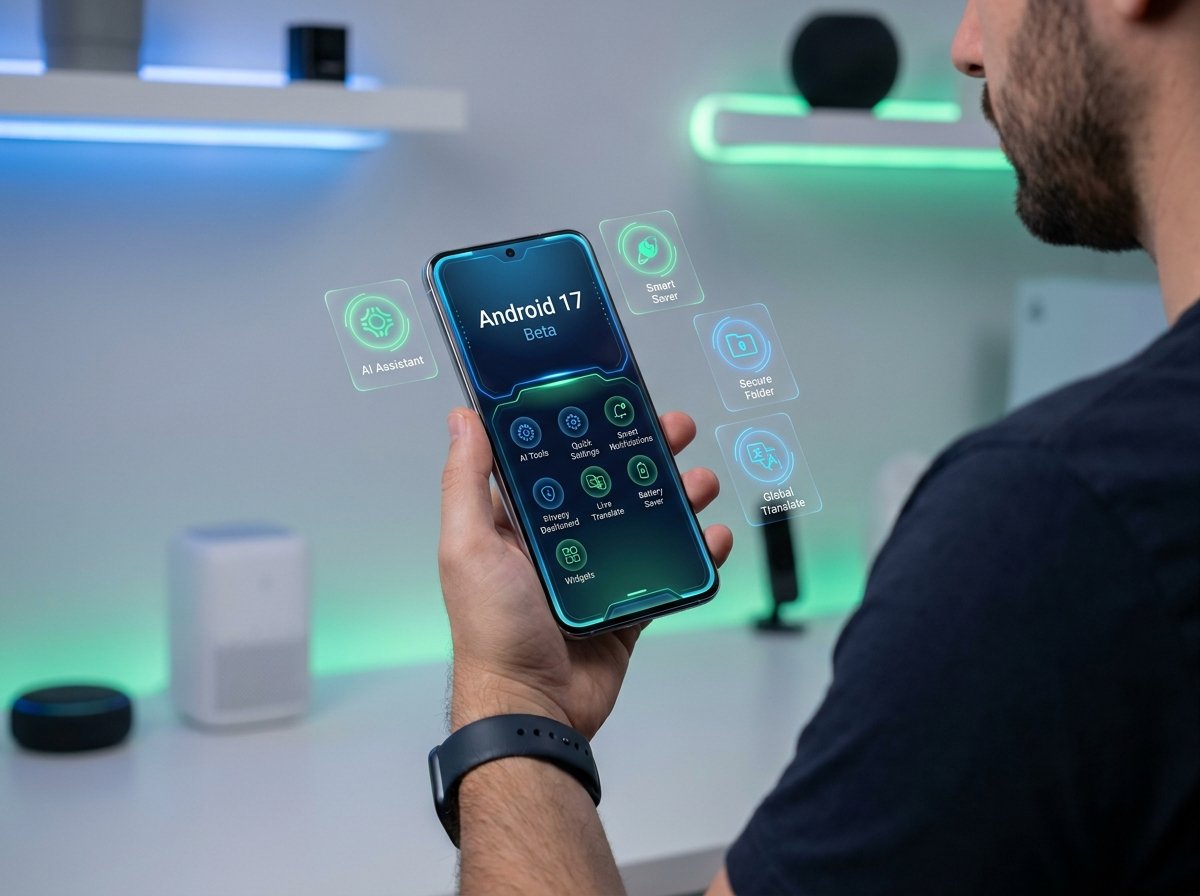
Android 17 Beta: 12 New Features You Need to Try First
Google says Android 17 Beta is available now for testing and feedback, with Beta 4 released on April 16, 2026, as the last scheduled beta before final app compatibility work.
That makes this the right moment to focus on the features that actually change how the phone feels, not just the APIs developers will notice.

What’s worth trying
Some Android 17 Beta changes are mainly for developers, but several are clearly visible to regular users on day one.
If you only test a few things first, start with the launcher, Quick Settings, screen recording, bubbles, and the new privacy-friendly sharing tools.
Best first tests
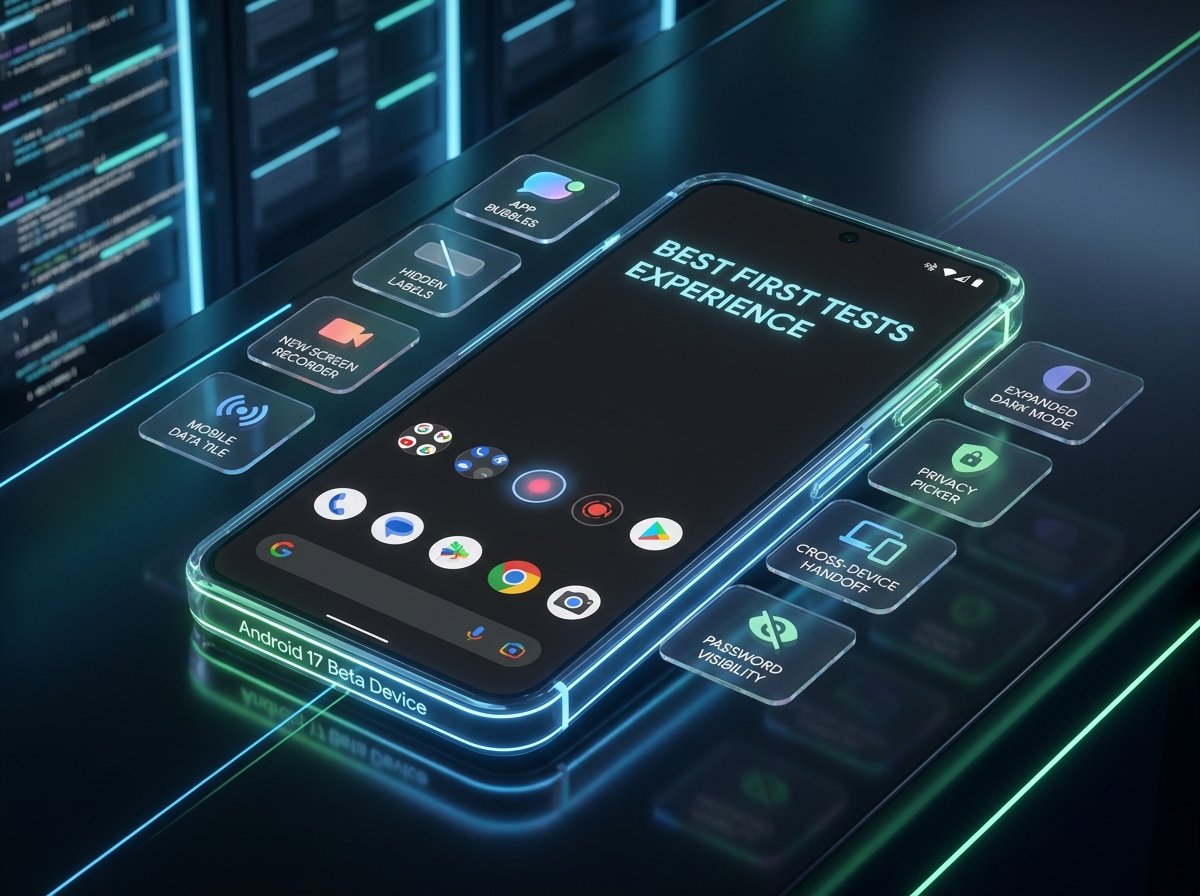
If you want the fastest hands-on tour, test these five first: app bubbles, hidden home-screen labels, the redesigned screen recorder, the separate Mobile data tile, and per-app Expanded dark theme.
Those are the features most likely to change how Android 17 feels in the first 10 minutes, while the privacy and camera upgrades become more valuable over time as apps adopt them.
A second tier worth testing includes the Contacts Picker, Cross-device Handoff, and the new password visibility behavior.
Those features are less flashy, but they show where Android 17 is heading: more privacy, more continuity, and fewer broad permissions.
Why Android 17 matters
Google’s release notes show that Android 17 is not just a cosmetic update, because it also adds new camera formats, hearing aid routing, widget support on external displays, desktop interactive PiP, local network permission changes, and stronger security features like post-quantum APK signing support.
That mix suggests Android 17 is trying to improve both everyday polish and the deeper technical foundation for foldables, tablets, accessories, creators, and privacy-focused users.
FAQ
Is Android 17 Beta available now?
Yes. Google says Android 17 Beta is available now, and Beta 4 is the latest scheduled beta release.
Which Android 17 Beta feature is the most fun to try first?
For most users, app bubbles for any app and hidden home-screen labels are the quickest visible upgrades to test.
Which Android 17 Beta feature is best for privacy?
The new Contacts Picker and the system-provided location button are two of the strongest privacy-focused additions in the beta.
Does Android 17 Beta improve cameras?
Yes. Beta 3 adds RAW14 image capture and vendor-defined camera extensions, while Beta 1 also introduced dynamic camera session updates and constant-quality video recording controls.
Is Android 17 Beta stable enough to test?
Google says the beta is suitable for development, testing, and general use, but also warns that Android 17 is still in active development and apps or system behavior might not always work as expected.
What should I test before anything else?
Start with bubbles, launcher label hiding, Quick Settings changes, screen recording, and dark theme controls, then move on to privacy and camera features.
