
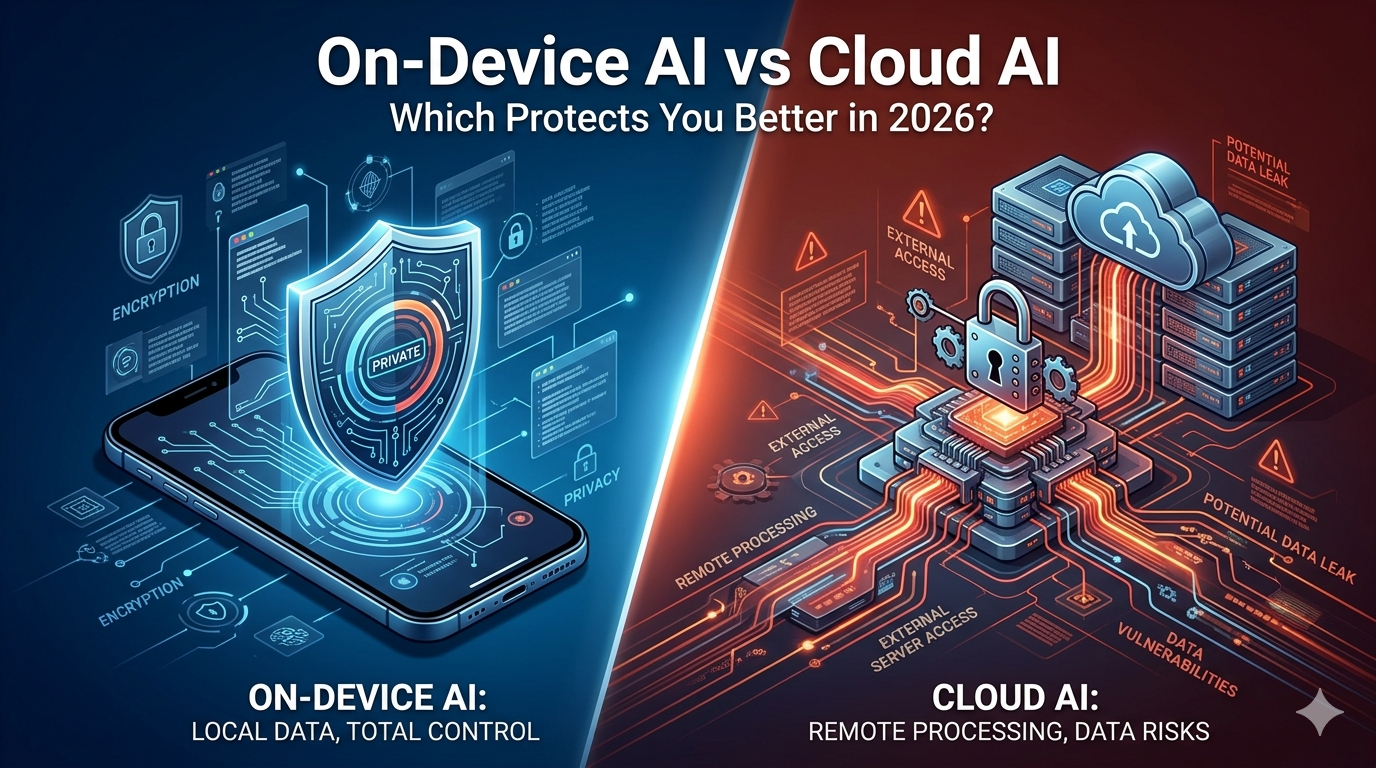
On-Device AI vs Cloud AI Which One Really Protects You?
The On-Device AI vs Cloud AI question matters because modern phones now process messages, photos, voice, biometrics, notes, and searches through AI systems that may either stay on your device or travel to remote servers.
That design choice affects privacy, speed, reliability, compliance, and even cost, so the “best” option depends on what kind of data you are handling and how much control you want over it.
Core difference
On-device AI runs directly on your phone or edge device, which means sensitive inputs can remain local and never be transmitted to a third-party server.
Cloud AI sends requests to remote infrastructure, which gives you access to larger and more powerful models, but it also creates more exposure around transmission, storage, logging, and provider trust.
That is why on-device AI usually wins the privacy argument. If data never leaves your phone, there is no cloud upload to intercept, no central server copy to breach, and no extra privacy policy you must rely on for every request.
Cloud AI still has real strengths, though. Large providers can offer strong enterprise-grade security, centralized updates, and more advanced intelligence than many phones can run locally, which means cloud systems are not automatically “unsafe,” just more exposed by architecture.
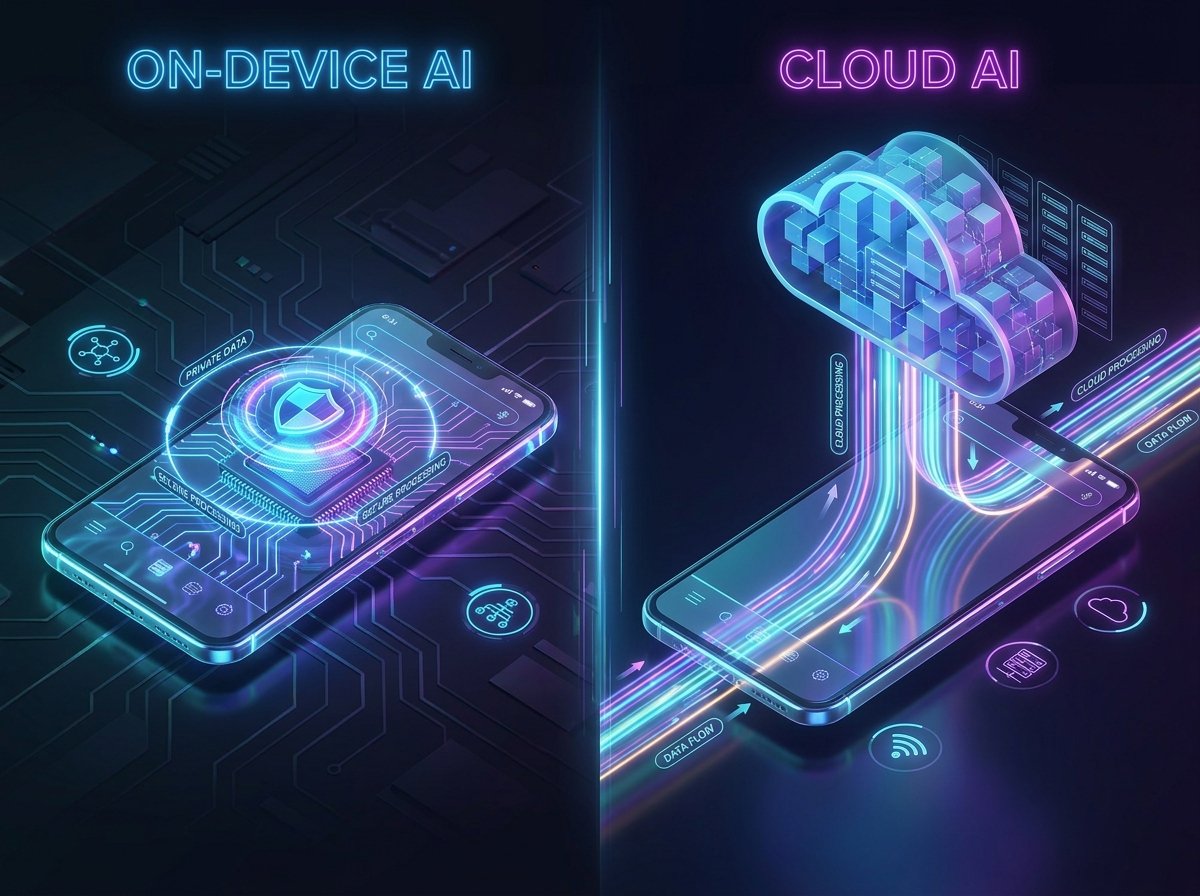
Key differences
The table shows the real tradeoff clearly: on-device AI usually protects privacy better, while cloud AI usually delivers more capability.
So if your main question is “Which one really protects me?” the privacy-first answer is on-device, but the practical answer for most users is selective use of both.
Which protects you best
If you are handling highly sensitive data like legal notes, health conversations, financial documents, private recordings, or confidential business material, on-device AI is the safer choice because it minimizes exposure by keeping data local.
That is one reason on-device advocates argue that privacy is not just a feature but a design decision: the safest data is often the data you never send anywhere.
If you need the smartest possible assistant for complex writing, coding, large-scale analysis, or cloud-connected productivity, cloud AI may be worth the extra exposure as long as you understand the provider’s policies and limit what you upload.
In other words, cloud AI can be acceptable for lower-sensitivity tasks, but it becomes riskier when users treat it like a safe place for everything.
A hybrid model usually protects people best in the real world. Keep biometrics, personal voice data, private screenshots, drafts, and sensitive documents on-device, then use cloud AI for heavy research, long-form generation, or collaborative workflows that genuinely need more compute.
Best use cases
Use on-device AI when privacy, latency, and offline reliability matter most.
That includes camera processing, transcription in low-connectivity areas, wake-word detection, biometric checks, personal note processing, and anything involving sensitive raw inputs.
Use cloud AI when scale and model depth matter more than strict local control.
That includes large document analysis, advanced reasoning, enterprise collaboration, broad integrations, and tasks that exceed what a phone chip can realistically handle alone.
One useful rule is simple: if you would hesitate to email the data to a stranger, do not casually send it to cloud AI either.
That mindset will protect you better than marketing claims about “smart privacy” or “secure AI” on their own.
How to stay safe
-
Prefer on-device AI for photos, voice, biometrics, passwords, private notes, and confidential work material.
-
Read whether a cloud AI provider stores prompts, logs outputs, or uses data for model improvement.
-
Turn off unnecessary permissions so AI tools cannot access your mic, camera, location, or files by default.
-
Keep your phone updated, because on-device AI is only as safe as the device security underneath it.
-
Use cloud AI selectively, not automatically, especially for legal, medical, financial, and business-sensitive tasks.
-
Favor products that clearly explain local processing, encryption, retention, and export controls.
FAQ
Is on-device AI always safer than cloud AI?
For privacy, usually yes, because local processing reduces exposure to transmission, storage, and server-side compromise.
But it is not magically safe if your phone itself is compromised or poorly secured.
Is cloud AI bad for privacy?
Not always, but it is inherently more exposed because data leaves your device and depends on provider practices, retention rules, and network security.
Cloud AI can still be appropriate for lower-risk tasks or enterprise systems with strong controls.
Which is faster on a smartphone?
On-device AI is often faster for immediate tasks because it skips upload delays and can work instantly offline.
Cloud AI may be slower to start, especially on weak connections, though it can outperform local models on bigger workloads once connected.
Which is better for offline use?
On-device AI is better because it can continue working without internet access for supported features.
Cloud AI generally depends on connectivity and service availability.
What is the best choice for most users?
A hybrid setup is usually best: local AI for sensitive and instant tasks, cloud AI for advanced and heavy tasks.
That gives you stronger privacy where it matters most without giving up the power of larger remote models.
