
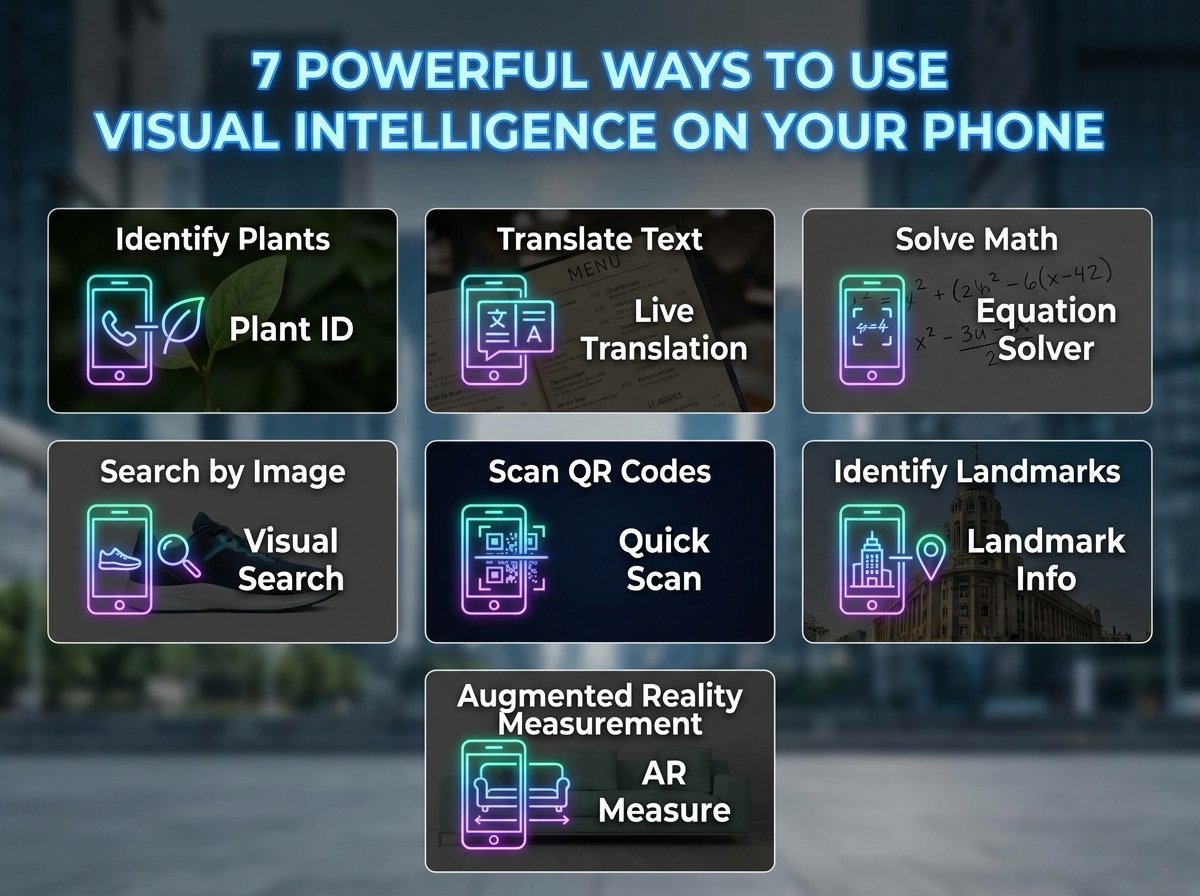
7 Smart Ways to Use Visual Intelligence on Your Phone
Visual intelligence is becoming one of the most practical AI tools on smartphones because it helps you act on what your camera sees and what appears on your screen. Apple says it can look up businesses, translate and summarize text, identify plants and animals, search visually for objects, answer questions, and create actions like calendar events.
What makes it useful is speed. Instead of copying text manually, switching between apps, or searching with vague keywords, you can point your phone at something or take a screenshot and get a result right away.
Getting started
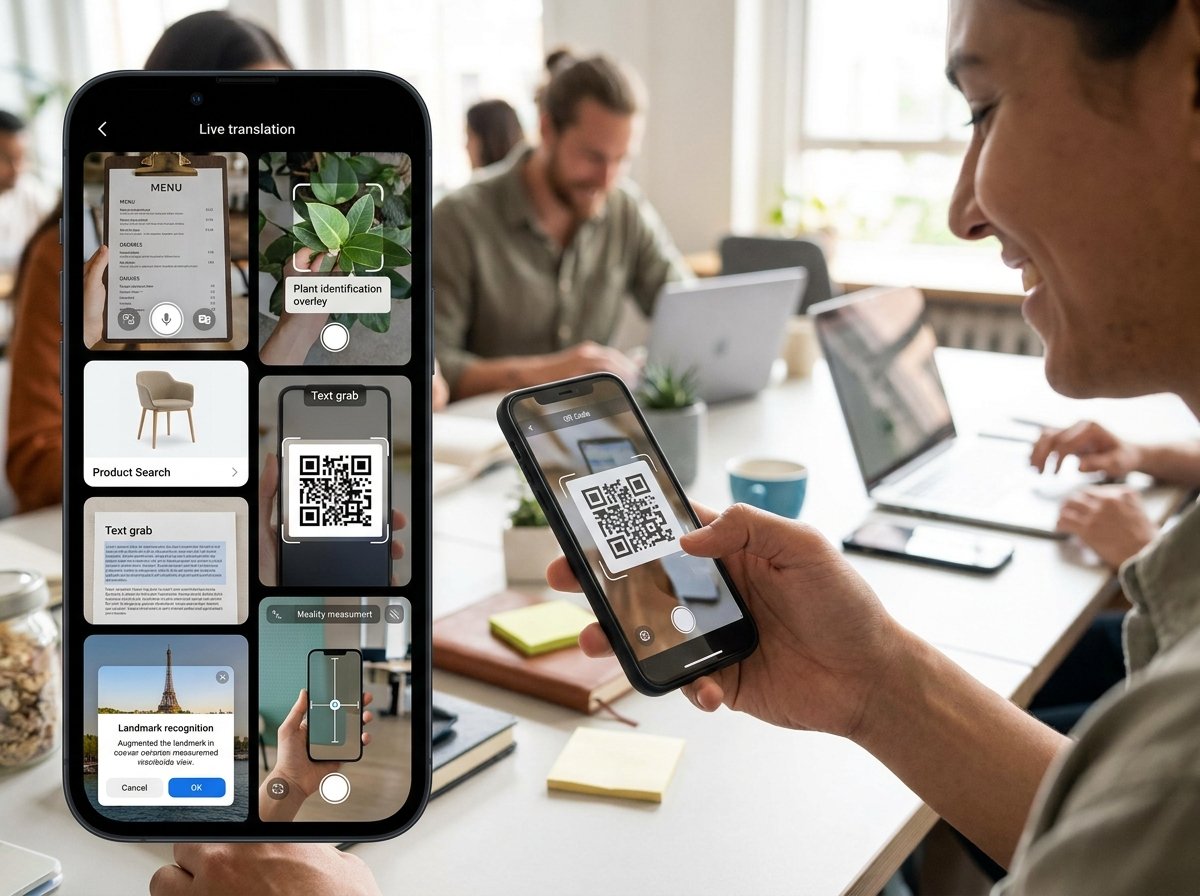
On supported iPhones with Camera Control, Apple says you can open visual intelligence by clicking and holding that control, and on some other supported models, you can also access it through the Action button, Lock Screen customization, or Control Center.
Apple and other guides also describe two main ways to use it: camera mode for the world around you and screenshot mode for content already on your screen.
7 smart uses
-
Translate signs, menus, and printed text. Apple says visual intelligence can translate text in front of you, and it can also summarize or read that text aloud, which makes it especially helpful while traveling or reading posters and menus.
-
Turn flyers and invitations into calendar events. Multiple guides say you can point your phone at a poster, flyer, invitation, or event page and get an Add to Calendar option that pulls in the key details automatically.
-
Check business details without typing anything. Apple says you can look up details about a restaurant or business, and other guides note that this can surface hours, phone numbers, websites, and menu or service information directly from what the camera sees.
-
Identify plants, animals, objects, and landmarks. Apple says visual intelligence can identify plants and animals and search visually for objects around you, while PCMag shows it being used to learn more about artwork and landmarks during travel.
-
Ask follow-up questions about what you see. Apple says visual intelligence can let you ask questions about what is in front of you, and other guides describe using ChatGPT for more detailed answers when you point the camera at an object, artwork, or street sign.
-
Use it on screenshots to understand app content faster. Apple says you can access visual intelligence for content on your screen by taking a screenshot, and iOS 26 materials add that it can search across your most-used apps and help you act on what is shown there.
-
Use it as a lightweight accessibility and reading tool. Apple says the feature can read text aloud, and accessibility-focused coverage says AI tools on current phones are providing real help with image descriptions, icons, and full screens for visually impaired users.
Best situations
Visual intelligence works best when the information is visible but inconvenient to process manually. A restaurant window, museum label, event poster, product screenshot, road sign, or web page screenshot is exactly the kind of moment where it can save time.
It is also useful when you want action, not just information. Apple’s own examples focus on practical outcomes like creating a calendar event, translating a menu, reading text aloud, or searching visually for an object you want to know more about.
Simple habits
To get better results, use camera mode when the subject is in front of you and screenshot mode when the information is already on your phone screen. That split is recommended in multiple guides and makes the feature feel much more natural in daily use.
It also helps to think in questions. Instead of only trying to identify something, ask for the exact help you want, such as translating text, finding business hours, creating an event, or getting more context about an object or artwork.
FAQ
Which phones support visual intelligence?
Apple says visual intelligence is available on models with Camera Control, and it also notes access options on iPhone 17e, iPhone 16e, iPhone 15 Pro, and iPhone 15 Pro Max through the Action button, Lock Screen, or Control Center.
Can visual intelligence work from screenshots?
Yes. Apple says you can use visual intelligence for content on your screen simply by taking a screenshot, and iOS 26 materials say it can then search across your most-used apps and help you take actions from that content.
Can it translate text?
Yes. Apple says visual intelligence can translate text, summarize it, and read it aloud, which makes it useful for menus, signs, and printed documents.
Can it identify objects and places?
Yes. Apple says it can identify plants and animals, search visually for objects, and look up details about restaurants and businesses.
Can it create calendar events?
Yes. Apple and several how-to guides say it can create calendar events from posters, flyers, invitations, web pages, and other event-related content it detects.
Is it only for the camera?
No. Guides from Apple and others say visual intelligence has both camera mode and screenshot mode, so it can work with the real world and with whatever is already displayed on your phone.
