
Rollout timing is uneven by design. Samsung’s beta and stable waves typically move by model, region, and carrier approval, so two people with similar devices can see different update dates. The biggest question for most owners is simple: which models are eligible, and which features arrive on each tier.
What One UI 8 changes (and why it matters)
Major phone updates often disappoint when they prioritize visuals over utility. One UI 8 aims to reduce daily friction: faster file sharing, smarter call features, more capable editing tools, and better multitasking on large screens.
Samsung also positions One UI 8 as the foundation for deeper Galaxy AI experiences. Some AI features are hardware-dependent, so the full set is more common on newer flagships and premium tablets than on entry-level devices.
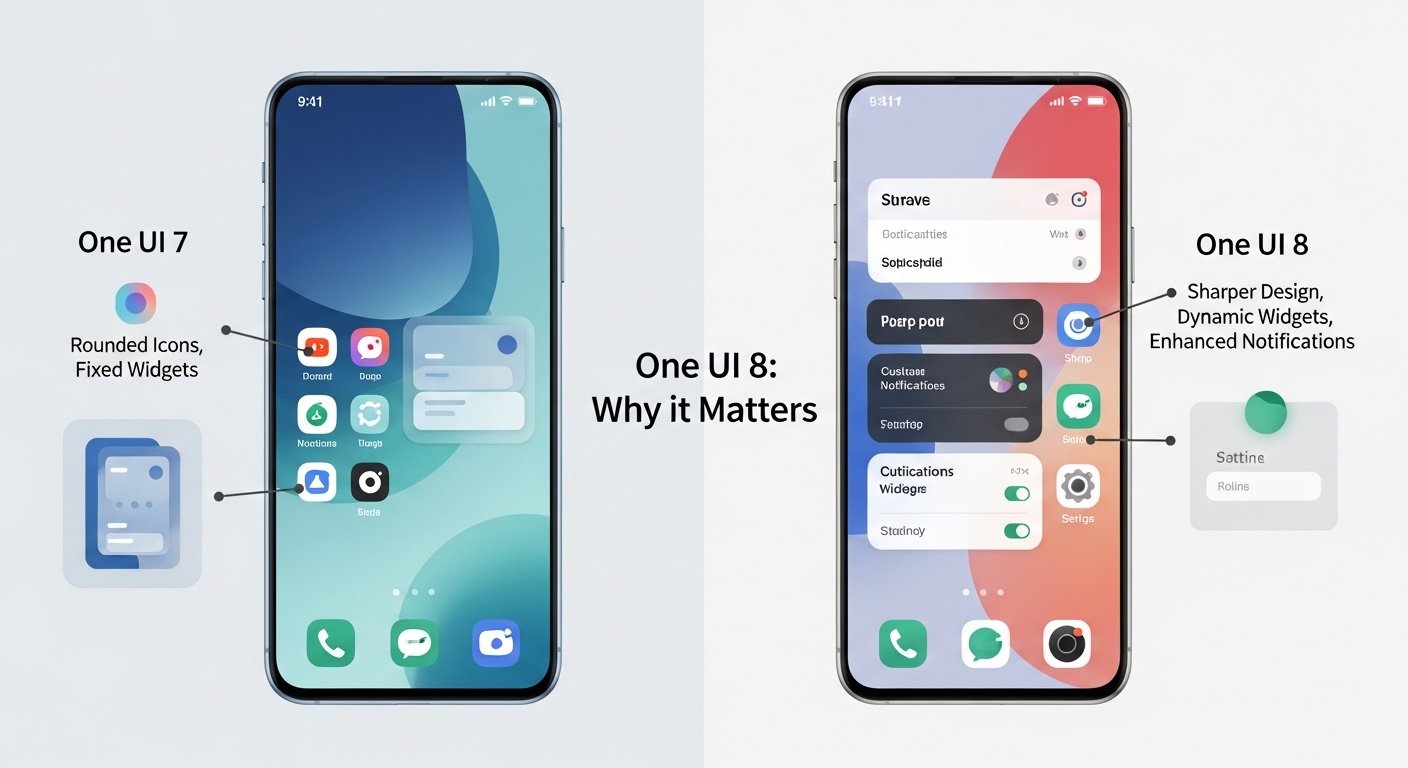
Key One UI 8 features
Quick Share gets easier and faster.
Quick Share is one of the most-used Galaxy conveniences, and One UI 8 refines it to reduce steps during real-world sending and receiving. Quick access from Quick Settings matters because file sharing is usually time-sensitive: a photo, a document, a video clip, or a link needed immediately.
Small workflow improvements can be more meaningful than a new icon set. Better reliability and fewer taps often translate into higher daily satisfaction than any single “headline” feature.
Improved Secure Folder and privacy controls
Secure Folder plays a quiet but important role for many users: separating sensitive apps, documents, photos, and work content. One UI 8 expands protection options, including behaviors that close apps and suppress notifications when Secure Folder is locked, and stronger hiding/encryption options on supported devices.
Privacy upgrades tend to be undervalued until something goes wrong. These changes matter most for users who store scans, banking documents, private media, or business apps on their phones.
Notes upgrades for faster work
Samsung Notes gains practical improvements designed for people who annotate, review PDFs, and save ideas quickly. Features like quick notes pinned to the top of documents can reduce friction during meetings and study sessions, especially on tablets and foldables.
Notes improvements also connect to a larger trend: phones replacing casual laptop tasks. The more friction is removed from capture-and-organize workflows, the more likely users are to stick with the default tools.
Smarter calling tools
One UI 8 expands call-related features that improve clarity and accessibility. Call captions are a standout for noisy environments and weak connections, while other call tools can vary by region and device class.
Regional policy still matters for call recording and transcription features. Availability can differ by market and carrier configuration.
Audio Eraser and media cleanup tools
Audio Eraser targets a common frustration: background noise that makes otherwise good videos unusable. Cleaner voice capture is useful for travel clips, family videos, street footage, and casual interviews.
Media tools are also where software updates deliver “invisible” wins. Better processing and improved workflows often make editing feel easier without changing the camera hardware at all.
Samsung DeX and productivity refinements
Samsung DeX remains a differentiator for Galaxy power users who connect their phone or tablet to an external display. One UI 8 continues to refine DeX behaviors so the desktop-like experience feels more flexible for quick work sessions, presentations, and travel.
DeX improvements tend to matter most for people who already use a keyboard and mouse. For occasional users, the value is in improved stability and smoother transitions rather than “new” functionality.
Multitasking on foldables and tablets
Large-screen devices depend on multi-window polish. One UI 8 continues Samsung’s steady push to make split-screen and multi-window behaviors smoother, including focus switching and app management improvements.
These changes look small in screenshots but can feel significant over weeks of use. Better multitasking reduces the friction that makes big-screen devices feel slower than they should.
Beta and rollout: what to expect
Samsung’s rollout strategy typically follows a predictable pattern: beta availability expands across a limited set of devices and regions, then stable firmware rolls out in waves. That staged approach reduces risk at scale, especially across carriers with separate testing requirements.
Beta expansion and timing
Samsung has publicly described expanding the One UI 8 beta program to additional Galaxy devices, including major flagship lines and popular foldables. Beta availability can still vary by market, and the Samsung Members app is the usual sign-up path when the program is open for a specific model.
Why do stable updates arrive at different times
Stable firmware can land earlier on unlocked models in some regions, while carrier testing can slow other variants. Even within the same model line, regional builds can move at different speeds.
That staggered reality makes a supported device list more important than rumors about exact dates. Eligibility answers the “will it arrive?” question, while rollout waves determine “when it arrives.”
Supported devices: official compatibility list
Samsung publishes a compatibility list for One UI 8. The list also includes a reminder that AI feature availability can be limited on certain tablets and Galaxy A models, even if the core update is supported.
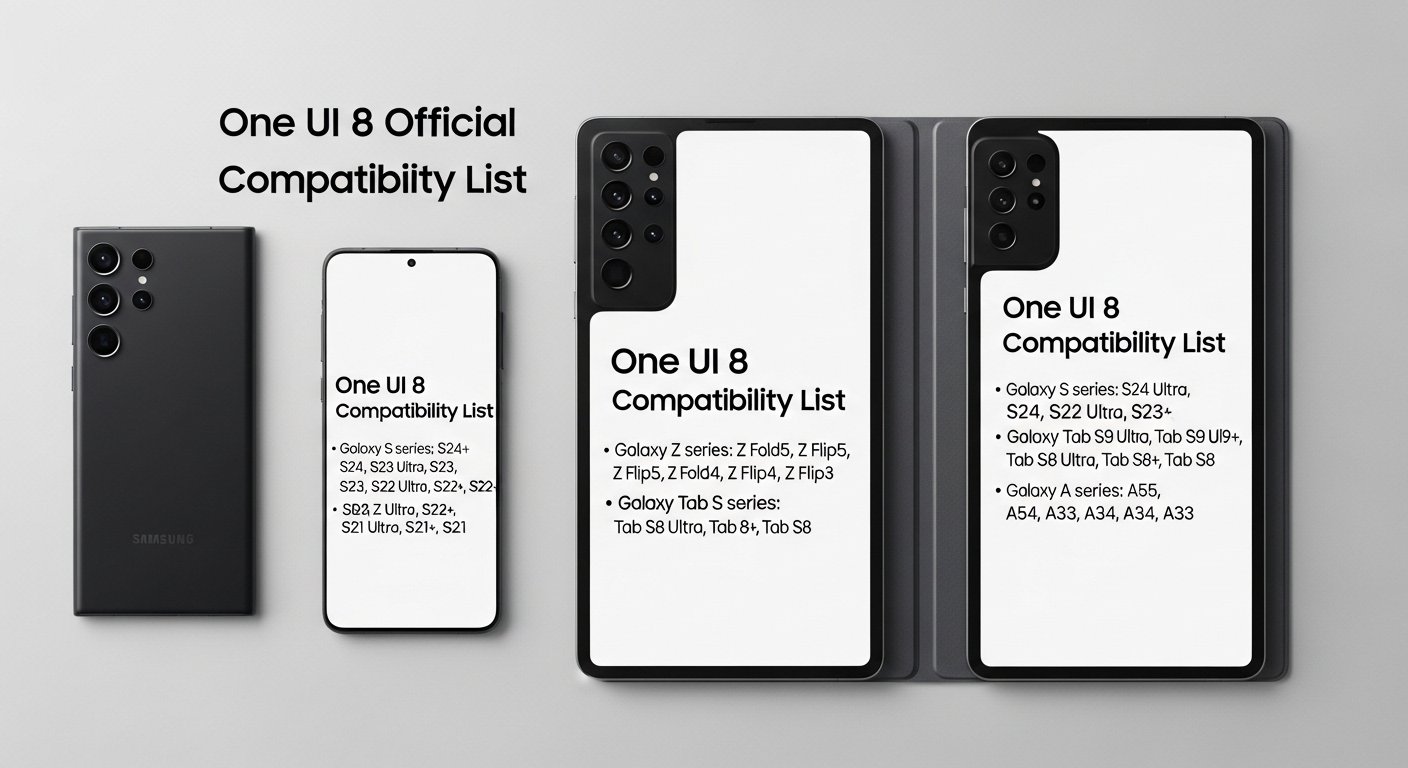
Galaxy S series
Samsung includes recent Galaxy S generations on its compatibility list, covering current flagships and several prior flagship waves. Newer flagships tend to get the earliest stable releases and the broadest feature set.
Galaxy Z series (foldables)
Foldables are a priority category because One UI features often include large-screen and multitasking improvements. Newer Fold and Flip generations typically receive the earliest waves, with older generations following later.
Galaxy Tab S tablets
Recent Tab S models are included in Samsung’s compatibility notes, with some AI features called out as limited on specific Fan Edition models. Tablet updates can surface different UI issues than phones, so early-wave stability feedback matters more on productivity devices.
Galaxy A phones
Galaxy A support depends on the model. Samsung’s compatibility notes include a range of A-series devices, and also flag that AI features may be limited or not supported on some A models.
The most accurate check is the device’s exact model name and region, since “A-series” varies widely by market.
Feature availability: why two supported devices can feel different
Software support is not always feature parity. Flagships tend to receive deeper AI tool integration, stronger media processing, and more comprehensive multitasking enhancements. Mid-range models often receive the core UI changes plus a smaller set of features that run reliably on their hardware.
That’s why update coverage can feel contradictory: the update is “the same,” but the experience differs by device class. The base system changes are shared, while premium features can be tiered.
Installing One UI 8: the basics
When the stable wave reaches a device, the update generally appears in Settings. Lack of an update prompt on day one is common and usually reflects rollout waves, not eligibility changes.
Where the update appears
- Settings
- Software update
- Download and install
Update-day checklist
- Back up important data before installing a major OS update.
- Confirm enough free storage for download and installation.
- Keep the device charged (or plugged in) during installation.
- Expect a short post-update period of background optimization.
Common post-update issues (and what typically causes them)
Short-term battery drain after a major update can be normal while indexing and optimizationare complete. Persistent drain tends to trace back to one of three issues: an app that needs an update, a background process stuck after migration, or a connectivity problem that keeps radios active.
Heat spikes are often tied to background processing and heavy restore operations on the first day. If heat remains high after several days, app activity and network behavior are the first suspects.
Who should update immediately vs wait
Early updates can be worth it on current flagships, especially when security and privacy changes are meaningful. Waiting can be smarter on work-critical devices, mid-range phones with tighter performance margins, or tablets used for productivity, where UI bugs carrya higher cost.
Update sooner when
- The device is a recent flagship, and stability reports are strong in that region.
- Security and privacy improvements are a priority.
- Call features, sharing changes, and productivity refinements are daily-use priorities.
Wait a bit when
- The device is a primary work phone with authentication and payment dependencies.
- The model is mid-range and early feedback flags battery or camera bugs.
- The device is a tablet used daily for school or business tasks.
Related Keyword check: official device list
Samsung’s official compatibility page remains the most reliable reference for One UI 8 supported devices, including notes about AI feature limitations on certain models.
Read more (Phone Expertise)
Read more on Phone Expertise: Best Samsung phones to buy in 2026.
Explore related coverage: Samsung Galaxy A series 2026 lineup explained.
Further analysis available here: Galaxy S26 vs S25: what really changed?.
FAQ
Is One UI 8 based on Android 16?
Samsung positions One UI 8 as its Android 16-based update, combining Android platform changes with Samsung’s One UI features and services.
Why hasn’t One UI 8 arrived on an eligible Galaxy phone?
Staged rollouts are normal. Region, carrier testing, and model variants can delay delivery even when a device is on the supported list.
Will every One UI 8 feature appear on every supported device?
Feature availability can differ by tier, region, and hardware capability. AI tools and advanced productivity features are more common on newer flagships, foldables, and premium tablets.
Does One UI 8 improve Secure Folder?
One UI 8 expands Secure Folder behaviors and privacy options, including tighter notification control and stronger protection settings on supported devices.
Is the One UI 8 beta safe for a primary phone?
Beta software can be stable, but it carries a higher risk of battery drain, app issues, and unexpected bugs. Stable firmware is the safer choice for work-critical phones.