
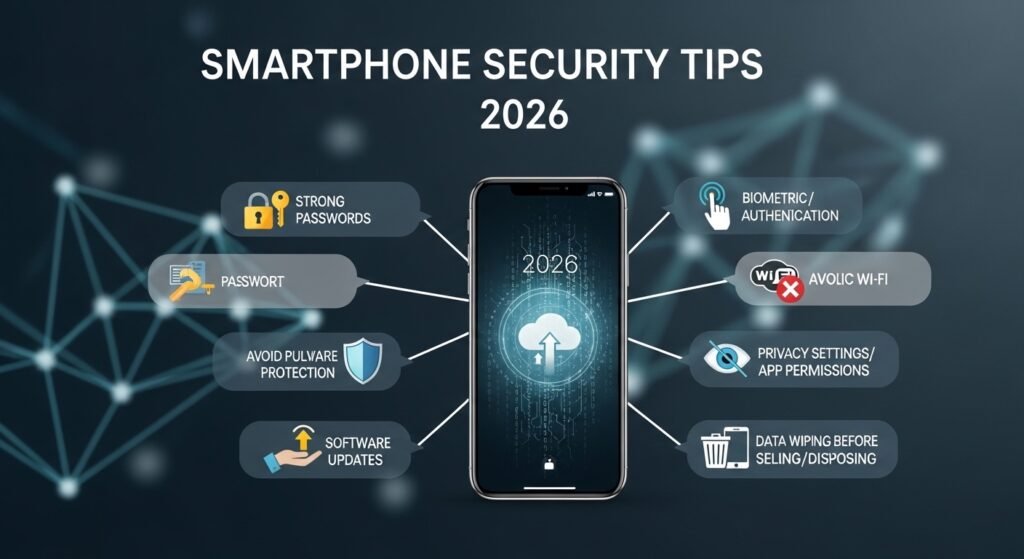
Smartphone security tips 2026: 12 practical steps to protect your iPhone + Android
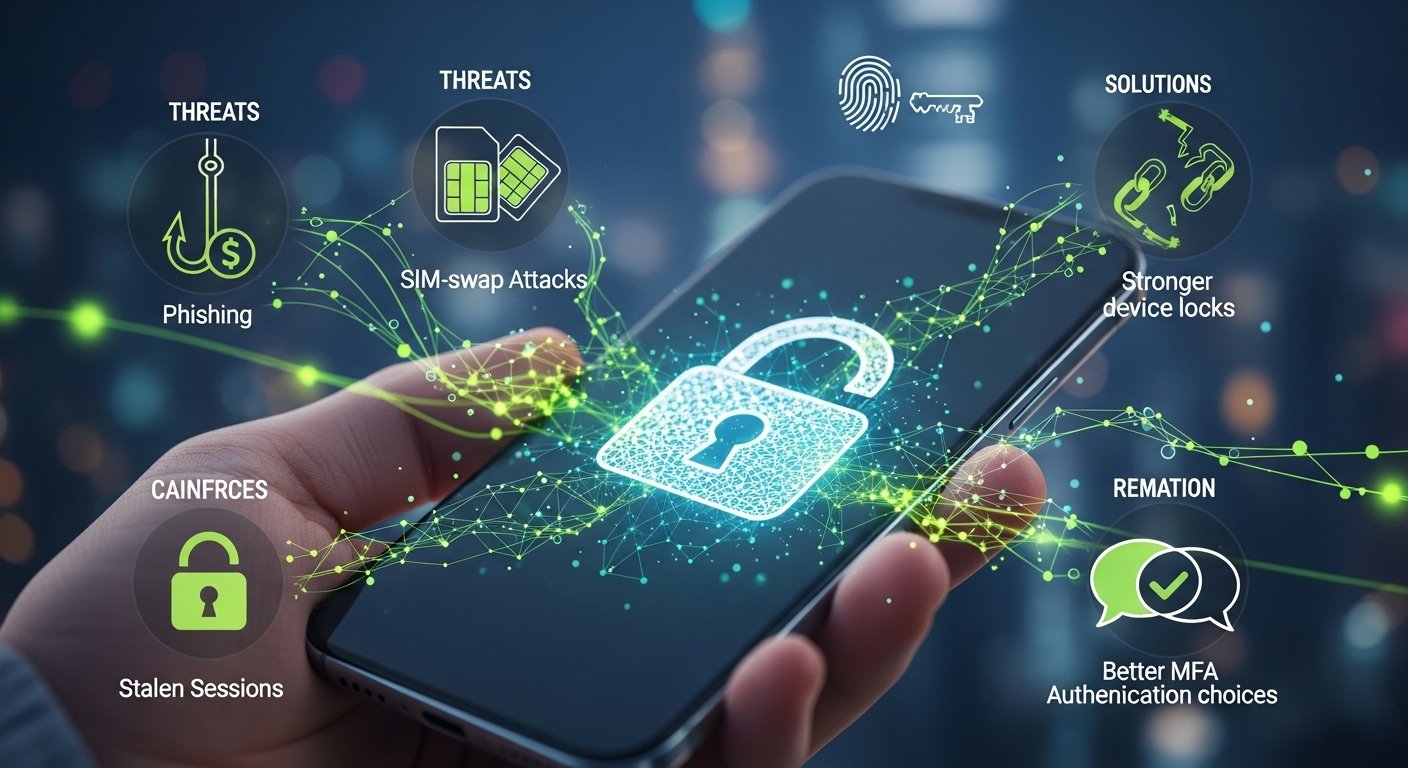
Smartphone security in 2026 is mostly about defending your accounts, not just the device. Phishing, SIM‑swap attacks, and stolen sessions beat “strong passwords” surprisingly often. The most effective upgrades are passkeys, stronger device locks, and better MFA choices.
Passkeys matter because they are designed to resist phishing. Apple explicitly says passkeys are more secure than passwords because they are uniquely generated per account on your device and are “less vulnerable to phishing,” and they sync via iCloud Keychain. Google’s Android documentation says passkeys can be saved in Google Password Manager, synced to your Google account, and require Android 9+ plus screen lock.
Below is a practical checklist that works for both iPhone and Android, with brief “why it helps” explanations.
1) Use a strong screen lock (upgrade from a simple PIN)
A strong passcode is your first defense if the phone is stolen. GSMA’s security advice says to use a strong PIN/password or biometrics, and avoid simple unlock codes. If you can, use a longer alphanumeric passcode instead of a 4–6 digit PIN.
This step also protects your saved passwords, passkeys, and authentication apps.
2) Turn on passkeys wherever possible (replace passwords)
Passkeys reduce the risk of credential theft. Apple says passkeys replace passwords for supported sites/apps and are uniquely generated by your device, and are less vulnerable to phishing. Google says passkeys can be created and stored in Google Password Manager and are synced to your Google account for use across devices signed into the same Google account.
Do this for:
-
Your email accounts.
-
Social accounts.
-
Payment apps that support passkeys.
3) Keep 2FA, but avoid SMS for important accounts
2FA is still crucial, but SMS is often the weakest option. A security explainer referencing CISA guidance recommends MFA for accounts and says passkeys/FIDO keys or authenticator apps are preferable to SMS-based 2FA, which can be intercepted or spoofed. If passkeys aren’t supported, use an authenticator app or security key.
Use SMS only as a last-resort backup method.
4) Enable iCloud Keychain (iPhone) or Google Password Manager (Android)
Passkeys are only convenient if they sync across your devices safely. Apple says passkeys are encrypted and stored in iCloud Keychain and aren’t visible to anyone (including Apple), and it notes iCloud Keychain + Apple ID 2FA must be on to use passkeys. Google says passkeys stored in Google Password Manager are securely backed up and synced to your Google account across Android devices.
This reduces the risk of being locked out when you change phones.
5) Update your OS quickly (security fixes matter more than features)
Most real-world compromises happen on unpatched devices. While this is “boring,” it is one of the highest-impact protections you can apply.
Set automatic updates if your phone supports it. Restart after updates so patches actually apply.
6) Lock down notification previews on the lock screen
Lock-screen notifications can leak 2FA codes, reset links, and private messages. Disable “show full previews when locked,” especially for email and authentication apps.
This reduces data exposure if someone grabs your phone for 10 seconds.
7) Review app permissions (camera, mic, location) once per month
Apps can become privacy risks over time. Remove microphone/camera permissions for apps that don’t truly need them. Only allow “Always” location access when it’s essential (navigation, safety apps).
This also reduces tracking and ad profiling exposure.
8) Use end-to-end encrypted messaging for sensitive chats
If you discuss private topics (work access, payments, personal issues), use end-to-end encrypted messaging rather than plain SMS. CISA-referenced guidance explicitly recommends end-to-end encrypted messaging as a top measure to prevent interception.
This doesn’t make you “unhackable,” but it removes a whole class of interception risk.
9) Protect against SIM-swap (the silent account takeover)
SIM-swap attacks can bypass SMS-based 2FA and steal accounts. Mobile security trend reporting highlights SIM swapping as a major risk area for 2026, alongside phishing and passwordless auth transitions. The best defenses are moving away from SMS for account security and enabling stronger authentication methods.
What to do:
-
Use passkeys or an authenticator app for your email and financial accounts.
-
Ask your carrier about SIM PIN / port-out protection (availability varies).
10) Use “separate trust levels” for work/admin accounts
If you manage business services (hosting panels, payment gateways, Google Search Console, ads accounts), separate them from casual browsing accounts. Keep admin accounts on stricter security settings (passkeys + hardware key if possible).
This limits the blast radius if one account is compromised.
11) Back up recovery methods (so security doesn’t lock you out)
Stronger security can backfire if you lose access. Ensure:
-
Recovery email/phone is current.
-
You have backup codes stored safely (offline).
-
You can recover your password manager.
If you use passkeys, confirm you’re signed into your Apple ID/Google account on at least two devices.
12) Do a quarterly security audit (15 minutes)
Once every 3 months:
-
Review account login devices/sessions.
-
Remove old phones from trusted device lists.
-
Check passkeys and MFA methods.
This catches “quiet compromises” where attackers keep persistent access.
Quick checklist (copy/paste)
-
Strong passcode + biometrics.
-
Passkeys for email, social, and finance.
-
MFA without SMS, where possible.
-
iCloud Keychain / Google Password Manager enabled.
-
OS updates on auto.
-
Lock-screen previews off.
-
App permissions reviewed.
-
End-to-end encrypted messagingis used for sensitive content.
-
Carrier SIM protection is enabled if available.
-
Quarterly audit of sessions/devices.
Read Related Article
FAQ
What is the best security upgrade in 2026?
Passkeys. Apple says they’re less vulnerable to phishing than passwords and are uniquely generated for every account by your device.
How do passkeys work on Android?
Google says passkeys are stored in Google Password Manager, backed up and synced to your Google account, and require Android 9+ and a screen lock.
Is SMS 2FA still safe?
It’s better than nothing, but CISA-referenced guidance recommends using passkeys/FIDO keys or authenticator apps instead of SMS, because SMS can be intercepted or spoofed.
What’s the most common phone security risk?
Phishing and account takeover are major risks, especially when attackers can exploit weak MFA (like SMS) or trick users into handing over credentials. Apple and CISA-referenced guidance emphasize phishing-resistant authentication such as passkeys.