
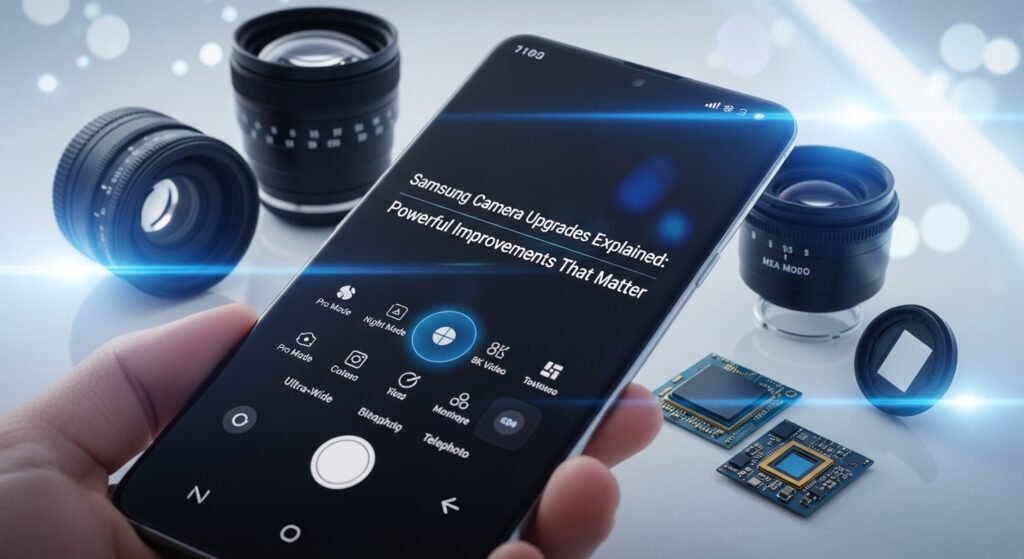
Samsung camera upgrades are no longer just about bigger sensors or higher megapixel counts. Samsung Expert RAW is one of the clearest examples of “software as an upgrade,” adding advanced manual controls and professional-grade RAW capture options that can dramatically improve results even when the camera hardware remains the same.
Samsung’s camera strategy can sometimes look confusing because marketing often highlights megapixels and zoom numbers. In reality, the most meaningful improvements come from less visible enhancements: faster shutter response, smarter HDR processing, better image stabilization, and refined noise reduction that preserves fine detail. These are the upgrades that determine whether a Galaxy camera feels fast and reliable or slow and inconsistent in real-world use.
What counts as a camera upgrade
A true camera upgrade is any change that improves results across a wide range of everyday situations, not just in perfect daylight. The easiest way to judge it is by consistency: fewer “misses,” fewer surprises, and more shots that look good without extra editing.
The four upgrades that matter most
- Indoor speed and stability: fewer blurred photos, quicker capture, less shutter lag.
- Low-light quality: cleaner shadows, less noise, less over-smoothing of faces and textures.
- Lens consistency: similar exposure and color when switching between 0.6x, 1x, and telephoto.
- Video confidence: steadier stabilization, fewer focus hunts, better exposure transitions.
“More megapixels” can help in some cases, but it’s rarely the main reason a camera feels better. Sensor size, optics, stabilization, and processing are more likely to change what a photo looks like.
Hardware upgrades: what changes in the camera itself
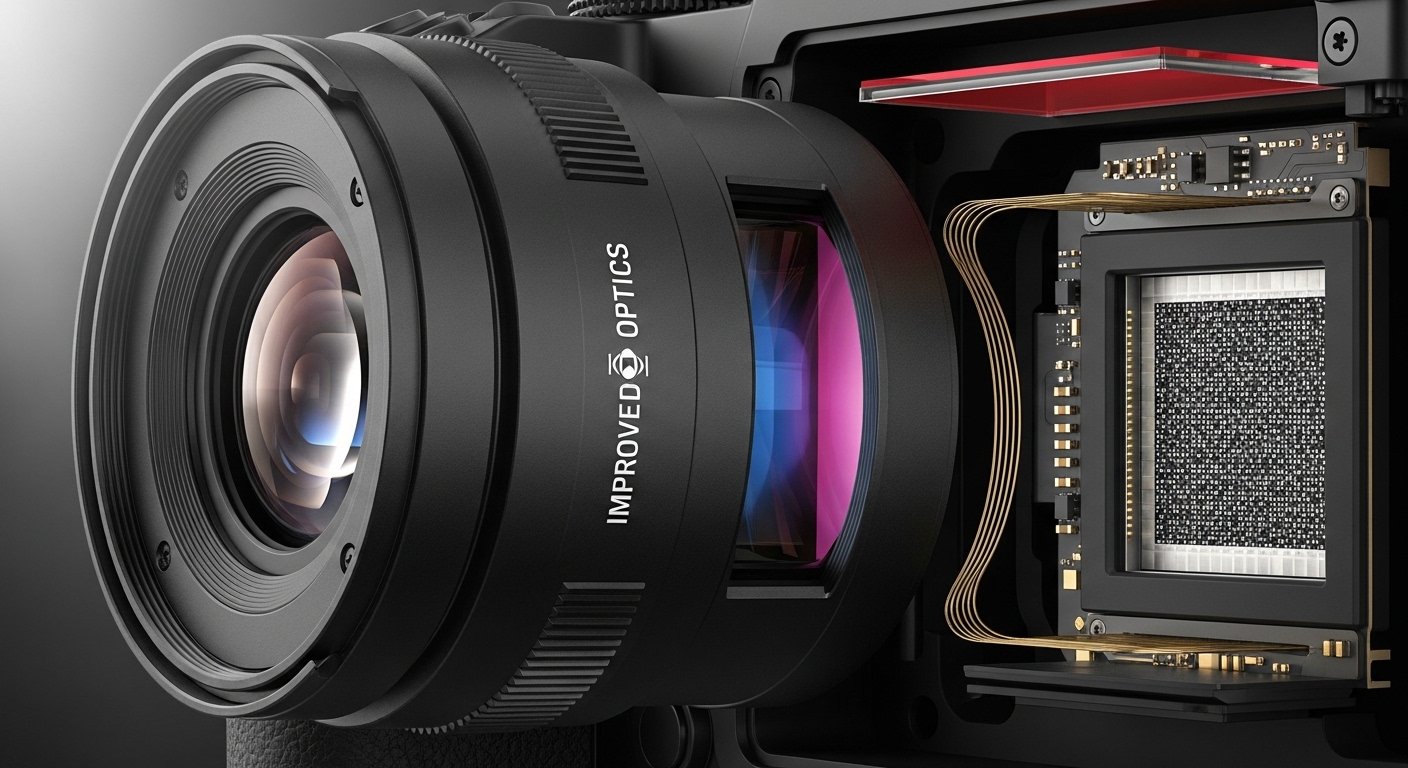
Hardware is the part that collects light. When hardware improves, the camera can capture more usable information before software processing even begins. That usually helps in tricky lighting, moving subjects, and zoomed shots.
Sensor size (often more important than megapixels)
A larger sensor can capture more light, which is especially useful at night and indoors. It can also deliver a more natural “real camera” look: smoother highlight roll-off, better separation, and less aggressive noise reduction.
Megapixels are not meaningless, but they’re not a guarantee. A high-megapixel sensor still needs good optics, fast processing, and smart tuning to avoid noise, motion blur, and over-sharpening.
Pixel binning: why 50MP or 200MP doesn’t always mean huge files
Many high-resolution phone sensors use pixel binning, combining multiple pixels into one “super pixel” to improve low-light performance and dynamic range. The result is often a lower-resolution output (like 12MP) with better brightness and cleaner shadows.
The practical value shows up when the light is poor. A binned photo can look less grainy and more stable than a full-resolution shot, especially when the phone has to raise ISO or slow shutter speed.
Lens quality and apertures
A lens can limit what the sensor can do. Better lenses reduce flare, improve edge sharpness, and keep contrast strong in harsh lighting. Lens upgrades can also improve close focus and reduce the “hazy” look that appears in backlit scenes.
Aperture changes can influence low-light brightness and background blur, but phone cameras still rely heavily on computational portrait processing for subject separation.
Optical stabilization (OIS) and why it’s a night-mode multiplier
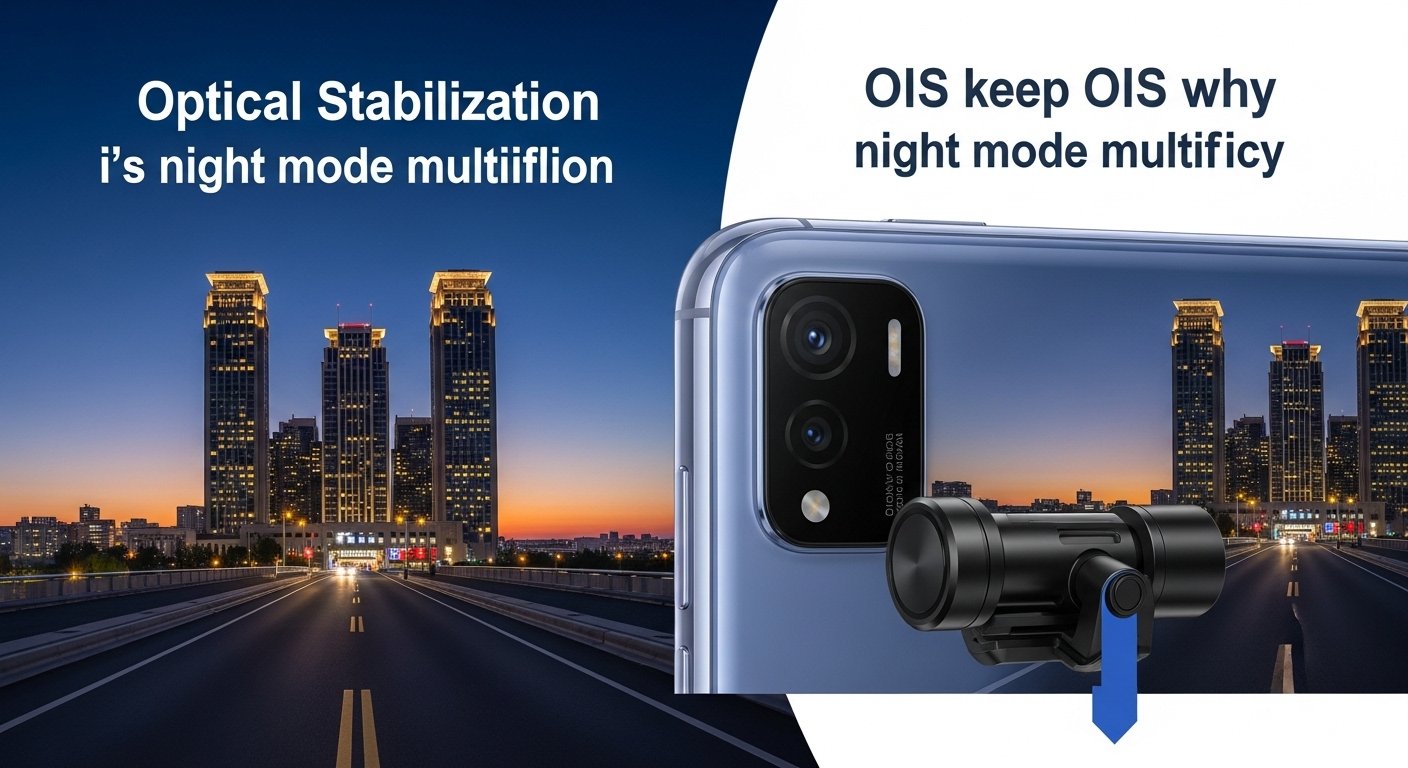
OIS helps keep images sharper by physically stabilizing the camera module. It matters most in low light, because phone cameras often need longer exposures. Better stabilization can reduce blur and allow cleaner night photos without pushing noise reduction too hard.
For video, OIS often works alongside electronic stabilization to improve walking shots and reduce jitter.
Telephoto and periscope changes
Zoom upgrades are usually the most obvious hardware difference between tiers and generations. A better telephoto lens improves real optical detail, while software zoom can only do so much before it turns into “painted” textures.
For most people, the biggest zoom win is not extreme magnification; it’s higher quality at everyday telephoto ranges where portraits, pets, and travel photos live.
Software upgrades: the “invisible” improvements
Software is the part that decides what the camera thinks it saw. Modern Galaxy cameras rely on multi-frame processing, HDR pipelines, scene detection, and stabilization tuning. That’s why two phones with similar hardware can still produce noticeably different results.
HDR and dynamic range
HDR processing decides how well a photo holds detail in bright skies and dark shadows at the same time. A strong HDR pipeline preserves natural contrast without making the image look flat or artificial.
Samsung has highlighted Super HDR behavior where the camera preview can display the HDR look before capture on supported devices, helping match what’s seen in the viewfinder to the final result.
Motion handling (the most underrated upgrade)
Many “bad phone photos” are not bad because the camera is weak; they’re bad because the subject moved. Better motion handling comes from faster shutter decisions, better frame selection in multi-frame stacks, and smarter processing that doesn’t smear detail.
This is where newer generations often feel better, even if the spec sheet looks familiar. The camera simply gets more shots right without requiring a second attempt.
Night Mode improvements
Night Mode quality depends on how well the phone merges frames, reduces noise, and avoids turning textures into watercolor-like blobs. The best improvements are balanced: cleaner shadows without destroying detail, and brighter scenes without unnatural color shifts.
Better Night Mode also improves video indirectly, because the same understanding of noise and exposure can feed stabilization and tone mapping.
Social app camera integration
Many people take photos inside Instagram, TikTok, and other social apps. When camera features work better inside those apps—stabilization, exposure control, night behavior—the overall camera experience improves even if the stock Camera app never changes.
Samsung camera apps that change results
Samsung’s camera experience is not only the default Camera app. Two add-ons are especially important for advanced users and for anyone who wants more control over image behavior.
Expert RAW: when editing,g control matters
Samsung describes Expert RAW as an app that provides RAW files for deeper editing control, and notes that it can save both JPEG and RAW (Linear DNG 16-bit) files when shooting.
Samsung also notes Expert RAW availability on Galaxy S20 or later models, with certain modes (like Astrophotography and multiple exposure) supported on specific newer series.
Expert RAW matters because it changes what is possible after the shot. RAW files preserve more information for editing highlights and shadows, and manual controls help lock exposure decisions for difficult scenes.
Camera Assistant: fine-tuning the default camera
Camera Assistant is positioned as a way to customize camera settings and toggle specific camera behaviors, including options such as zoom shortcut behavior.
This type of tool matters because many “camera upgrades” are preference-based. Some people want faster capture with less processing, while others prefer maximum HDR and sharpening, no matter how long it takes. A tuning layer helps tailor the output.
How to compare Samsung camera upgrades between phones
Camera comparisons get more accurate when they focus on repeatable scenarios rather than isolated “hero shots.” The goal is to evaluate what happens when the camera is under pressure: motion, mixed lighting, low light, and zoom.
The practical test list
- Indoor moving subject: a person walking, a pet, or kids in warm lighting.
- Night street: bright signs plus dark shadows, checking highlight control and noise.
- Portrait at 2x–5x: facial detail, skin tone accuracy, and edge separation.
- Backlit scene: bright window behind a subject, checking HDR realism.
- Walking video: stabilization and focus confidence.
Small differences in these tests matter more than megapixel counts because these are the moments that cause frustration—or earn trust.
What “processing look” to expect
Samsung’s processing style can change by generation and by model tier. Some phones prioritize punchy contrast and vivid color, while others aim for a slightly more natural look. A good upgrade keeps that style but reduces the failure rate: fewer blown highlights, fewer muddy shadows, and fewer weird skin tones in mixed light.
Upgrade expectations in 2026
In 2026, the most believable “camera upgrade” trend is not one huge hardware jump, but better consistency from processing and smarter use of AI tools. Better previews, improved motion capture, and more stable video behavior often deliver the biggest daily gains.
For buyers shopping across price tiers, the pattern usually holds: higher tiers deliver better indoor reliability and better zoom quality, while mid-range tiers can still produce excellent daylight photos.
Related Articles
Read more on Phone Expertise: Best Samsung budget phones in 2026.
Explore related coverage: Galaxy Z Flip 8 leaks and upgrades.
Further analysis available here: Galaxy Z Fold 8 rumors and expectations.
FAQ
Do more megapixels mean a better Samsung camera?
Not automatically. Megapixels can help in good light and for cropping, but sensor size, stabilization, lens quality, and processing usually decide whether photos look better in everyday conditions.
Why do two Galaxy phones with similar cameras take different photos?
Processing pipelines can vary by generation and tier. HDR tuning, noise reduction, sharpening, and frame selection can change the final look even when the hardware is similar.
What is Samsung Expert RAW, and who should use it?
Samsung says Expert RAW is a Galaxy camera app that provides RAW files for deeper editing, and notes it can save Linear DNG 16-bit RAW alongside JPEG on supported devices.
Does Camera Assistant actually improve photo quality?
Camera Assistant is designed to customize camera behaviors and toggles, which can improve results depending on preference and shooting style. It’s most useful for fine-tuning capture behavior rather than changing camera hardware.
What’s the most noticeable camera upgrade for most people?
Better indoor motion handling and more consistent HDR are usually the upgrades people feel immediately. Those changes reduce the number of missed shots and make photos look good more often without retakes.