
iPhone battery improvements explained: what really makes iPhones last longer in 2026
Battery “improvements” on iPhone in 2026 come from two different places that often get mixed together: longer daily battery life (how long the phone lasts per charge) and slower battery aging (how well the battery holds capacity after months and years). Those goals overlap, but they are not identical—and the best strategy depends on whether the priority is making it to bedtime today or keeping the phone comfortable to use two years from now.
The good news is that iPhone battery behavior is more controllable than it used to be. Hardware efficiency, smarter background scheduling, and newer charging features can reduce wear without requiring obsessive habits. The bad news is that battery marketing is still confusing, and many common “tips” are either outdated or focused on edge cases.
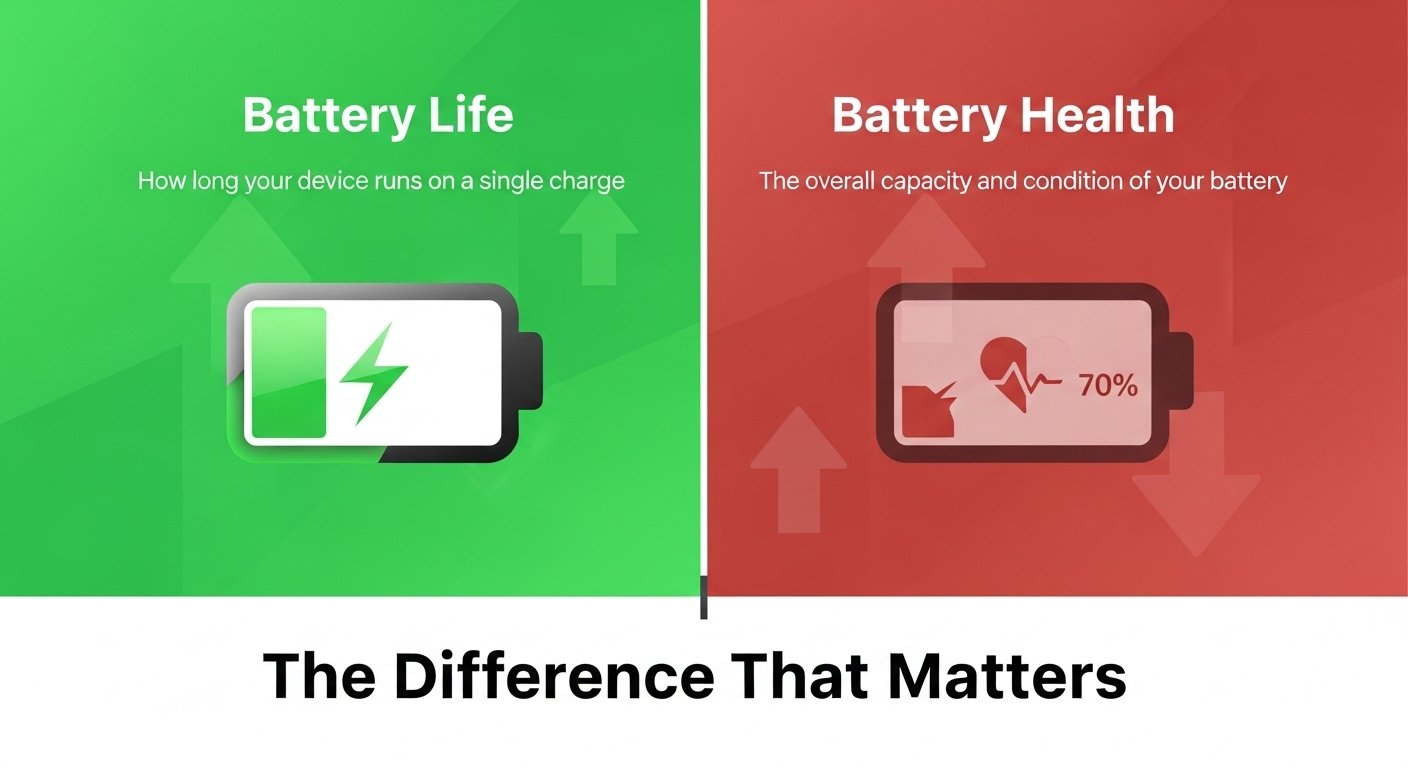
Battery life vs battery health: the difference that matters
Battery life is runtime: screen-on time, standby time, and how quickly the percentage drops during heavy tasks like navigation, video, and gaming. Battery health is capacity and performance over time: as batteries chemically age, they hold less charge and can deliver peak power less consistently, which may translate into faster drain and occasional slowdowns under load.
An iPhone can have solid battery life at launch and still lose battery health quickly if it spends too much time hot and fully charged. The opposite can also happen: a battery can age slowly, but daily battery life can feel disappointing if usage patterns are more demanding (5G in weak coverage, constant camera use, high-brightness outdoor time, or heavy gaming).
What actually improves the iPhone battery in 2026
1) More efficient chips and smarter power management
The biggest “battery upgrade” is often not a bigger battery—it’s improved efficiency. Newer iPhones typically run the same tasks with less energy, and iOS continues to get better at deciding when apps can refresh, when radios should sleep, and how aggressively the system should protect performance without wasting power.
In day-to-day use, efficiency improvements show up as:
-
Less drain during idle time (especially overnight).
-
More consistent battery behavior on cellular (particularly when signal quality fluctuates).
-
Fewer temperature spikes during common tasks like camera use and video calls.
2) Charging features that reduce wear (battery health improvements)
Battery aging is strongly influenced by heat and by time spent at very high states of charge. Apple’s newer charging controls are designed to reduce that wear while keeping the phone convenient.
Apple explains that Optimized Battery Charging reduces wear by reducing the time an iPhone spends fully charged, delaying charging past 80% in certain situations based on on-device learning of the daily routine.
Apple also explains that Charge Limit (available on iPhone 15 models and later) lets a maximum charge be set between 80% and 100% in 5% increments, with the iPhone charging to near the chosen limit and then stopping.
Practical meaning in 2026:
-
A phone that lives on a desk charger all day can be kept at 80–90% to reduce “always full” stress.
-
Overnight charging becomes less of a battery-health concern when the system can avoid sitting at 100% for hours.
-
Battery health can be managed with settings rather than strict manual routines.
External source (official): Apple’s explanation of these features is here: https://support.apple.com/en-us/108055
3) Better thermal control (the hidden battery upgrade)
Heat is one of the fastest ways to accelerate battery wear and to trigger short-term drain. Even without dramatic design changes, incremental improvements to thermal behavior—how quickly the phone sheds heat, how it spreads heat, and how often it throttles—can improve both battery life (less wasted energy) and battery health (less time at elevated temperature).
In real life, thermal improvements matter most for:
-
Shooting lots of video (especially outdoors).
-
Navigation + 5G + bright screen at the same time.
-
Gaming sessions that last longer than 15–20 minutes.
The charging settings that make the biggest difference
Charge Limit: when it’s worth using
Charge Limit is most useful when the iPhone spends a lot of time plugged in (desk setups, car use, bedside MagSafe stands) or when battery health longevity is a higher priority than absolute daily runtime.
A practical approach:
-
Heavy users who routinely end the day below 20% often need 100% daily; Charge Limit may be set higher (95–100%).
-
Moderate users who end the day with battery to spare can safely cap at 85–90% for better long-term wear.
-
Light users can cap even lower if convenience is unaffected.
Apple notes that iOS may recommend a charge limit based on habits, and that the phone may occasionally charge to 100% even with a lower limit to maintain accurate state-of-charge estimates.
Optimized Battery Charging: Who benefits most
Optimized Battery Charging tends to help people with consistent routines (sleep schedule, regular commute, predictable daily charging windows). It is designed to activate only when the iPhone predicts it will be connected to power for an extended period, aiming to keep the phone ready when unplugged.
One important expectation: Apple says Optimized Battery Charging needs time to learn; it requires at least 14 days and enough long charging sessions in a location before it engages reliably.
The most common battery myths (and what to do instead)
-
Myth: “Never charge above 80%.”
Reality: Lower charge targets can reduce wear, but the best setting is the one that still fits the day; a phone that repeatedly hits 0% because of a strict cap can become more frustrating than helpful. -
Myth: “Fast charging ruins iPhone batteries.”
Reality: Heat is the main enemy. Fast charging can increase heat, but the bigger risk is sustained high temperature (charging under a pillow, in a hot car, or during heavy use). -
Myth: “Closing apps saves lots of battery.”
Reality: Constantly force-closing apps can increase work for the system; the bigger wins usually come from background refresh choices, signal conditions, screen brightness habits, and identifying a true rogue app.
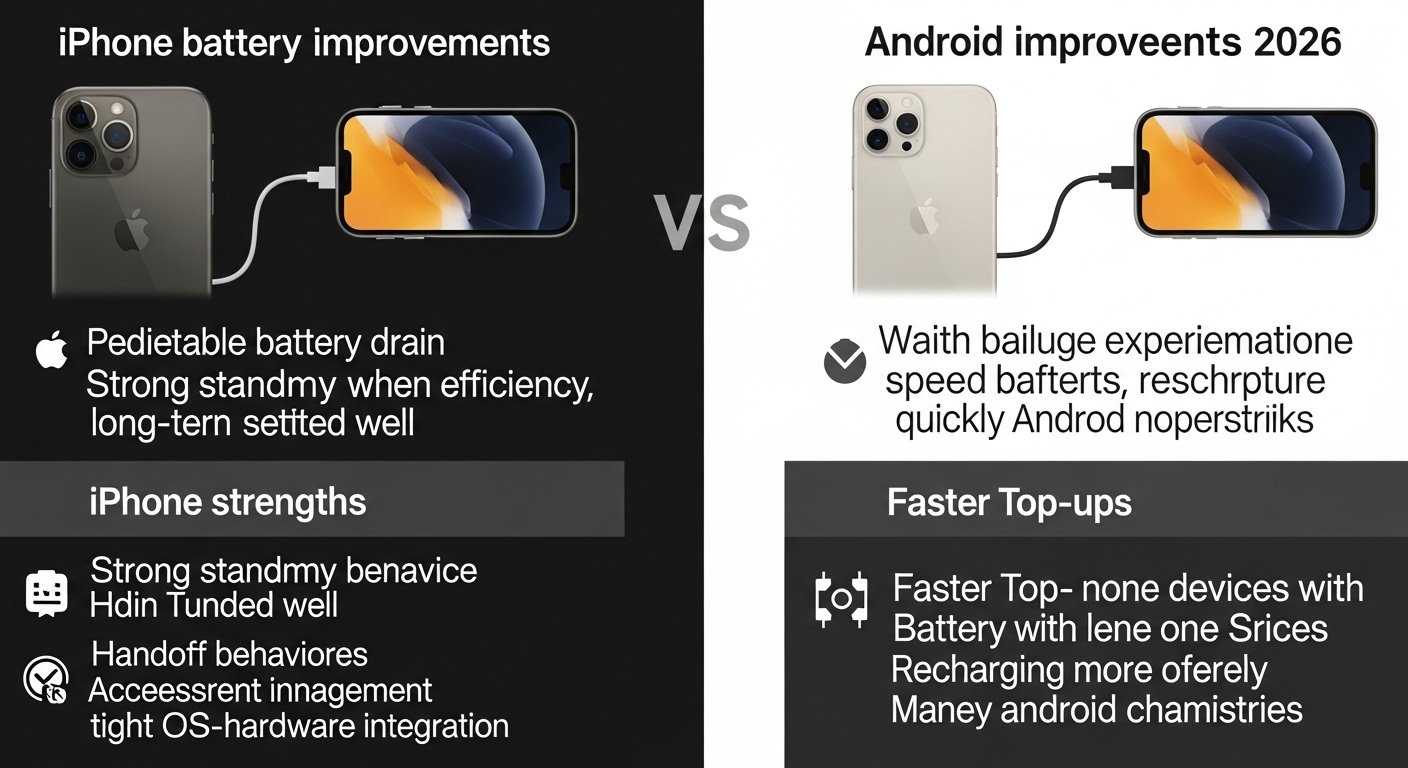
Comparison: iPhone battery improvements vs Android in 2026
Android brands often compete aggressively on charging speed and battery capacity, while Apple tends to compete on efficiency, consistency, and long-term battery behavior. In 2026, both approaches can be valid, but they suit different users.
-
iPhone strengths: predictable battery drain, strong standby behavior when settings are tuned well, and ecosystem features that reduce “hidden” drain (handoff behaviors, accessory management, and tight OS-hardware integration).
-
Android strengths: faster top-ups, more devices with larger batteries at lower prices, and broader experimentation with new battery chemistries.
The right comparison is less “which is better” and more “which failure mode is acceptable”: waiting longer to recharge (iPhone-style) versus recharging more often but quickly (many Android flagships).
How to tell if the iPhone needs a battery replacement
A battery replacement is usually the best “upgrade” when the phone is otherwise still fast and supported. Signs that replacement is more cost-effective than a new phone:
-
The percentage drops quickly from 100% to ~80% with light use.
-
The phone feels warm during simple tasks (messaging, browsing) more often than before.
-
Performance feels inconsistent under camera use or multitasking.
-
The device cannot reliably make it through the day the way it used to.
Battery anxiety often triggers an unnecessary phone upgrade. In many cases, a fresh battery restores the experience that made the iPhone feel “new” in the first place.
The 2026 battery checklist (simple, realistic, effective)
-
Use Charge Limit if the phone is plugged in for long stretches; choose a limit that still fits the day.
-
Leave Optimized Battery Charging enabled if routines are consistent; give it time to learn.
-
Avoid heat traps: charging under bedding, direct sun while navigating, or gaming while fast-charging.
-
Treat “always on 5G in weak signal” as a battery killer; switching to more stable connectivity when practical can noticeably reduce drain.
-
Focus on the biggest daily drains first: screen brightness outdoors, navigation, camera/video, and background-heavy apps.
Read Related Article
iOS 26.3 new features explained
FAQ
Does iPhone battery life improve mainly from a bigger battery?
Not usually. In 2026, efficiency gains from chips, modems, and iOS power management often matter more than capacity alone.
What is the best Charge Limit setting for battery health?
Apple allows Charge Limit choices between 80% and 100% in 5% steps on iPhone 15 models and later, and the “best” setting is the highest limit that still comfortably fits daily usage.
Does Optimized Battery Charging really help?
Apple says it is designed to reduce wear by reducing time spent fully charged and delaying charging past 80% in certain situations, based on on-device learning of the routine.
Why does the iPhone sometimes charge to 100% even with a lower limit?
Apple explains that the iPhone may occasionally charge to 100% to maintain accurate battery state-of-charge estimates.
When should an iPhone battery be replaced instead of upgrading the phone?
When daily runtime becomes unreliable, but performance is otherwise fine, replacing the battery often restores usability more effectively than switching models.