
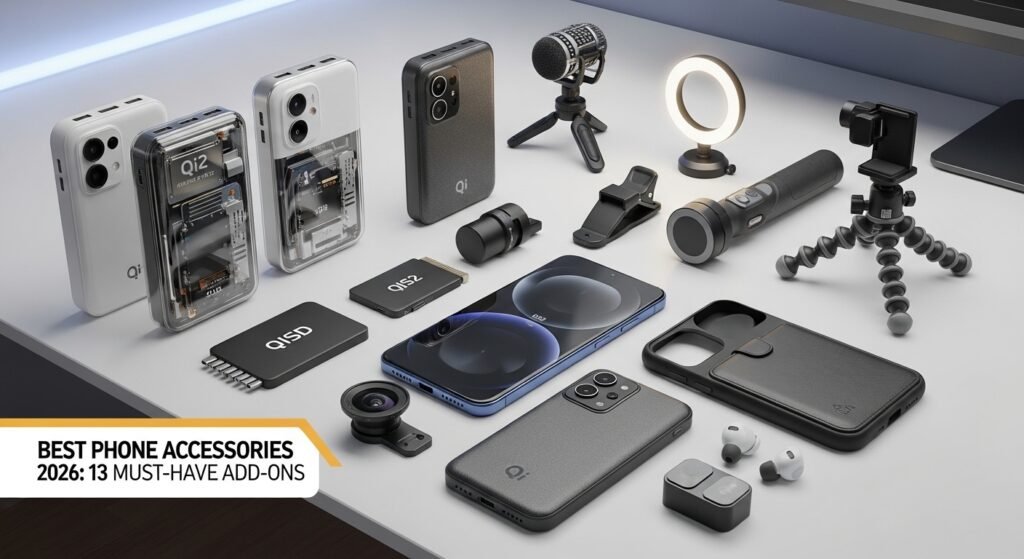
Best phone accessories in 2026: 13 must‑have add‑ons (Qi2 power banks, SSDs, mics, tripods, creator gear)
The best phone accessories in 2026 fall into two categories: power and content creation. Qi2 magnetic charging has made “snap-on” power banks faster and more practical, and creator tools like wireless mics, lights, gimbals, and portable SSDs can upgrade your videos more than a new phone. WIRED’s guide focuses on Qi2/MagSafe power banks as the most useful everyday accessory for keeping phones topped up.
For creators, Imaging Resource notes that lighting and audio matter more than most other upgrades, and it recommends high-quality wireless mics (DJI Mic 3 / Rode Wireless Go III) and portable lighting as the fastest way to improve smartphone video. 9to5Mac’s early‑2026 EDC list also shows the trend toward “creator-first” accessories, including a snap-on SSD (Planck SSD by ShiftCam) and MagSafe battery packs.
Below are the best phone accessories to consider in 2026, with what they do best and who should buy them.
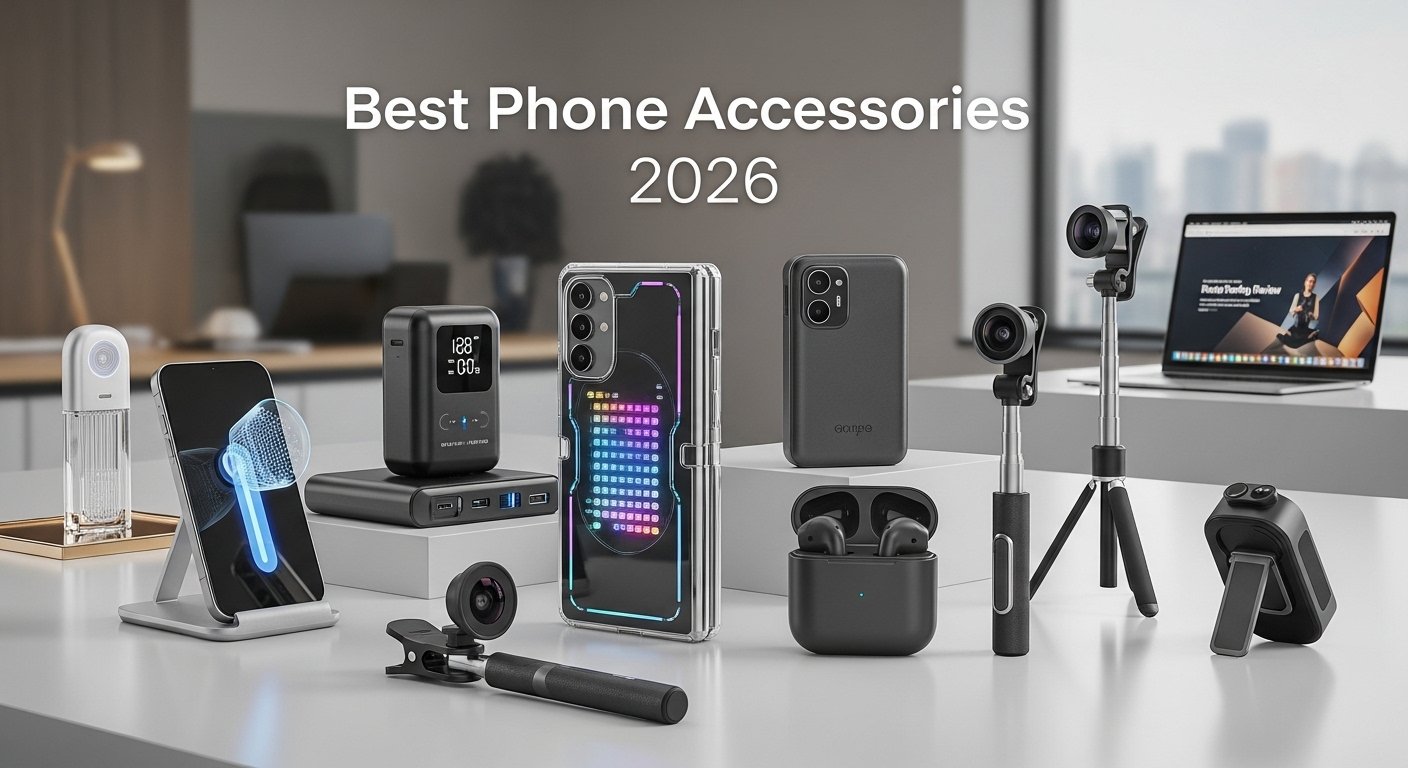
1) Qi2/MagSafe magnetic power bank (15W–25W) — best everyday upgrade
Qi2 brought “MagSafe-like” magnetic charging to more phones, and it improved wireless charging speeds. Apple GadgetHacks explains that Qi2-certified power banks can deliver 15W wireless charging, nearly doubling the older common 7.5W rate, and it also notes Ugreen’s MagFlow 10K as the first Qi2 25W-certified power bank.
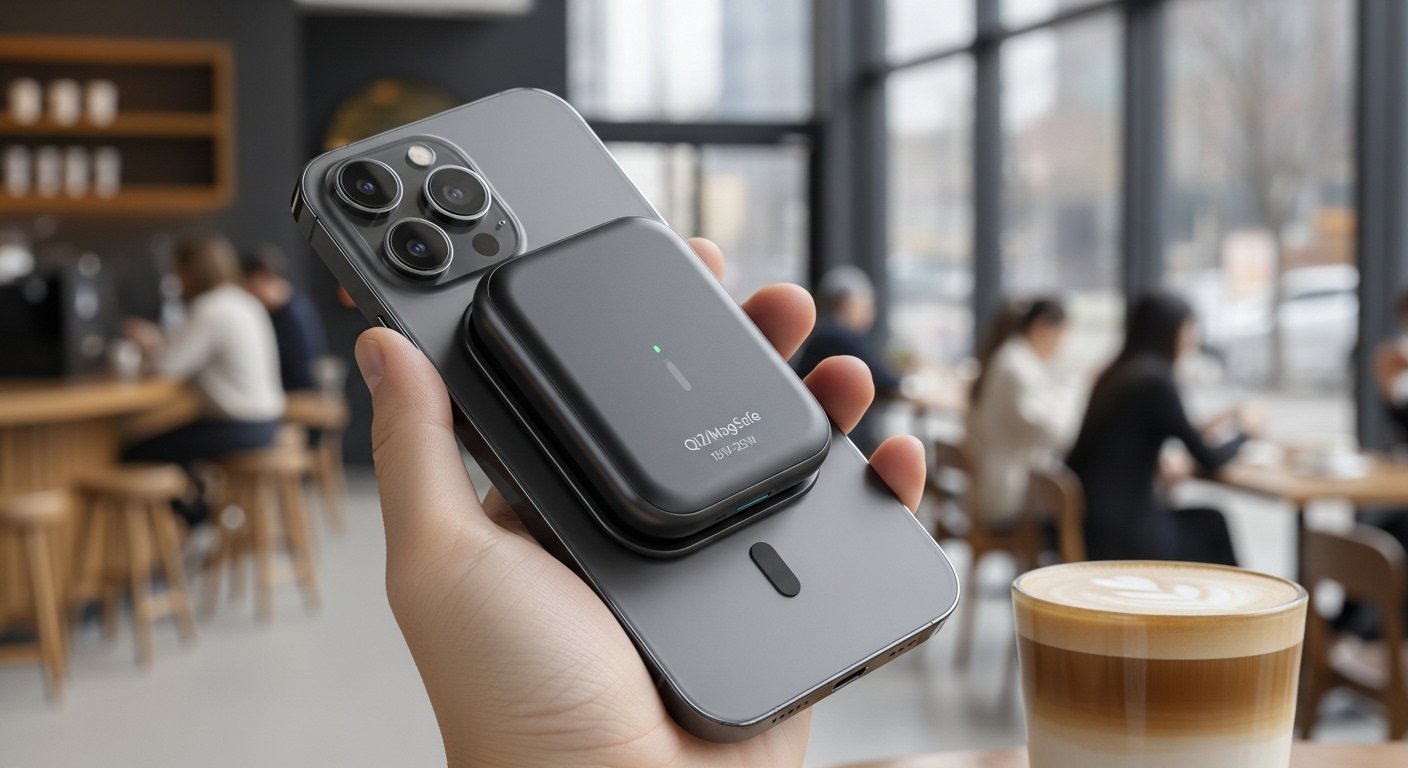
What to look for:
-
Qi2 certification (not just “magnetic”).
-
10,000mAh capacity if you travel a lot.
-
A kickstand if you watch videos or use StandBy mode.
Engadget’s top pick is Anker’s Qi2-enabled MagGo 10K, citing strong charging performance plus a stand and display.
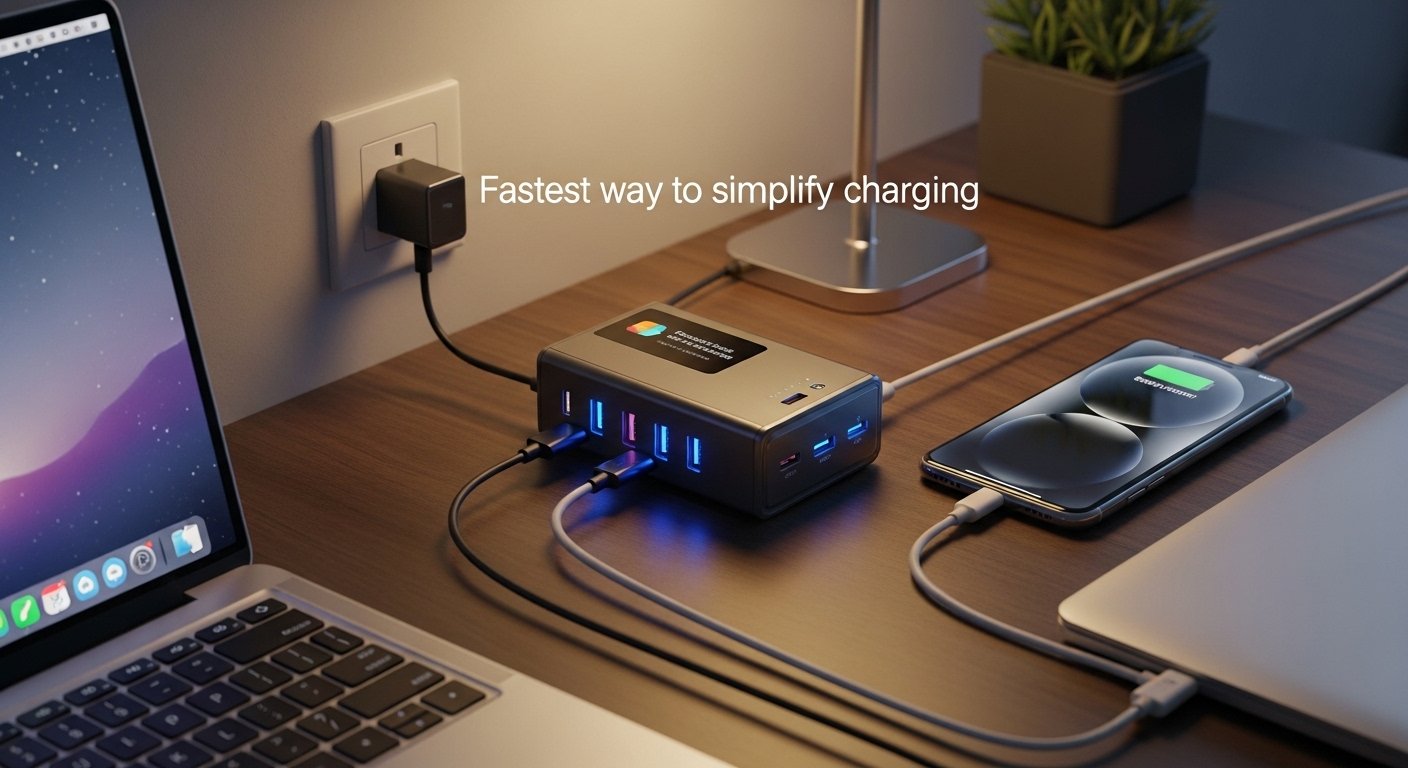
2) High-watt USB‑C wall charger — fastest way to simplify charging
A modern USB‑C charger can power your phone, tablet, and sometimes laptop. Xiaomi’s official specs for its 120W HyperCharge Combo highlight “smart protection,” wide-voltage input (100–240V), and a defined operating temperature range. Even if you don’t need 120W, this shows why newer chargers matter: safety + compatibility + stable output.
Best for:
-
People with multiple devices.
-
Travelers who want one charger for everything.
-
Fast top-ups on big-battery phones.
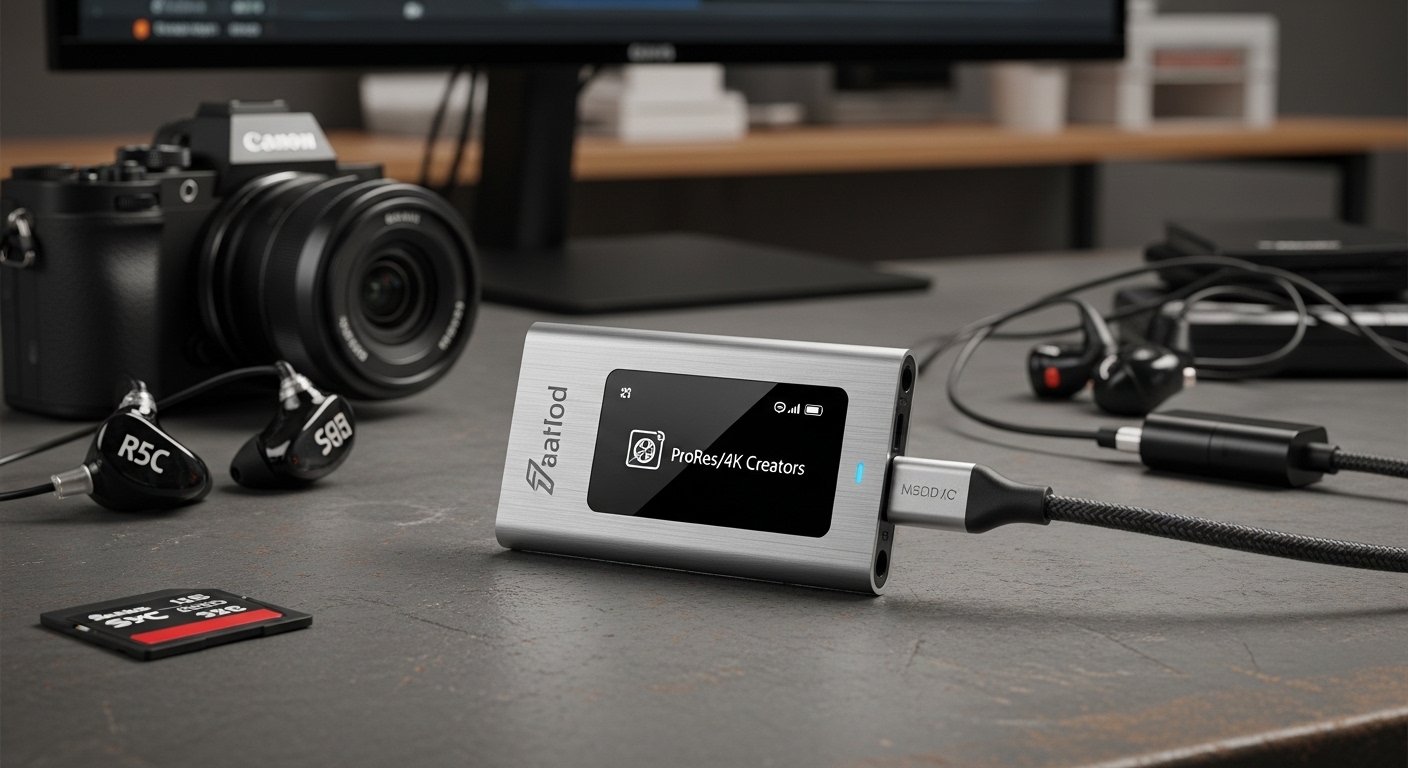
3) USB‑C portable SSD — essential for ProRes/4K creators
If you film high‑bitrate 4K or ProRes, storage becomes your bottleneck fast. Imaging Resource specifically recommends fast external SSDs (like Samsung T9 and OWC Envoy Pro FX) for storage‑intensive projects, so footage doesn’t slow down your workflow. 9to5Mac’s EDC picks also include a snap-on SSD designed around iPhone creator workflows.
Best for:
-
iPhone ProRes users.
-
Android creators are recording long 4K clips.
-
Anyone editing directly from external storage.
4) Wireless microphone kit — biggest quality jump for video
Audio is usually the weakest part of phone video. Imaging Resource calls out DJI Mic 3 and Rode Wireless Go III as “broadcast-quality” options with smartphone-friendly connectivity. Creator-focused accessory lists also consistently recommend DJI’s wireless mic systems as a baseline tool.
Best for:
-
Talking-head videos.
-
Interviews.
-
Outdoor vlogging.
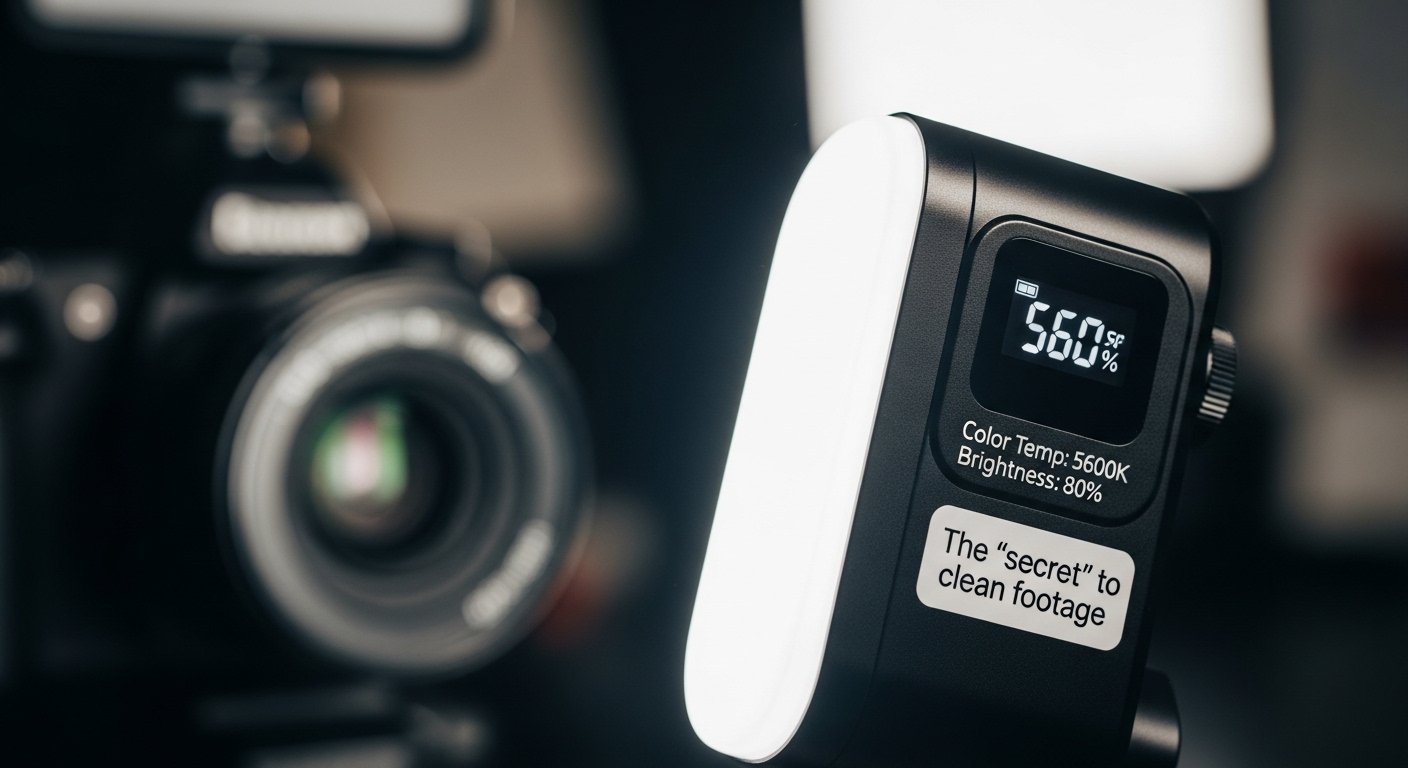
5) Compact LED light — the “secret” to clean footage
Lighting changes everything, especially for phones at night or indoors. Imaging Resource says lighting transforms smartphone footage “more than any other accessory,” and it points to portable options that deliver cinema-grade results. Creator gear lists also recommend creator kits with adjustable brightness and temperature, plus diffusion.
Best for:
-
Indoor filming.
-
Product shots.
-
Food photography.
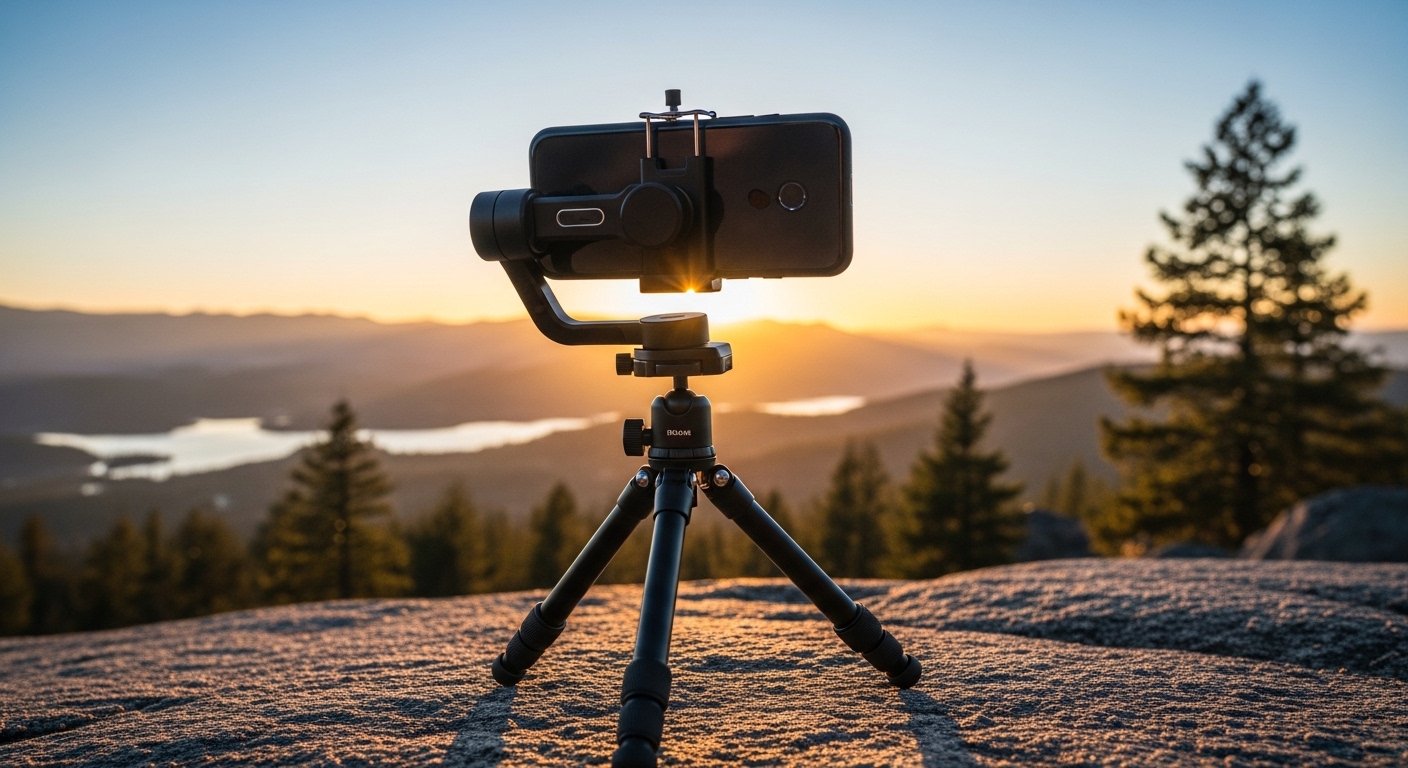
6) Tripod + phone mount — stability without a gimbal
A tripod is often more useful than a gimbal for controlled scenes. Creator accessory guides highlight tripods as a basic tool for stable shots and consistent framing. It’s also essential for low-light shots, time-lapse, and hands-free work.
Best for:
-
Tutorials.
-
Video calls.
-
Night photography.
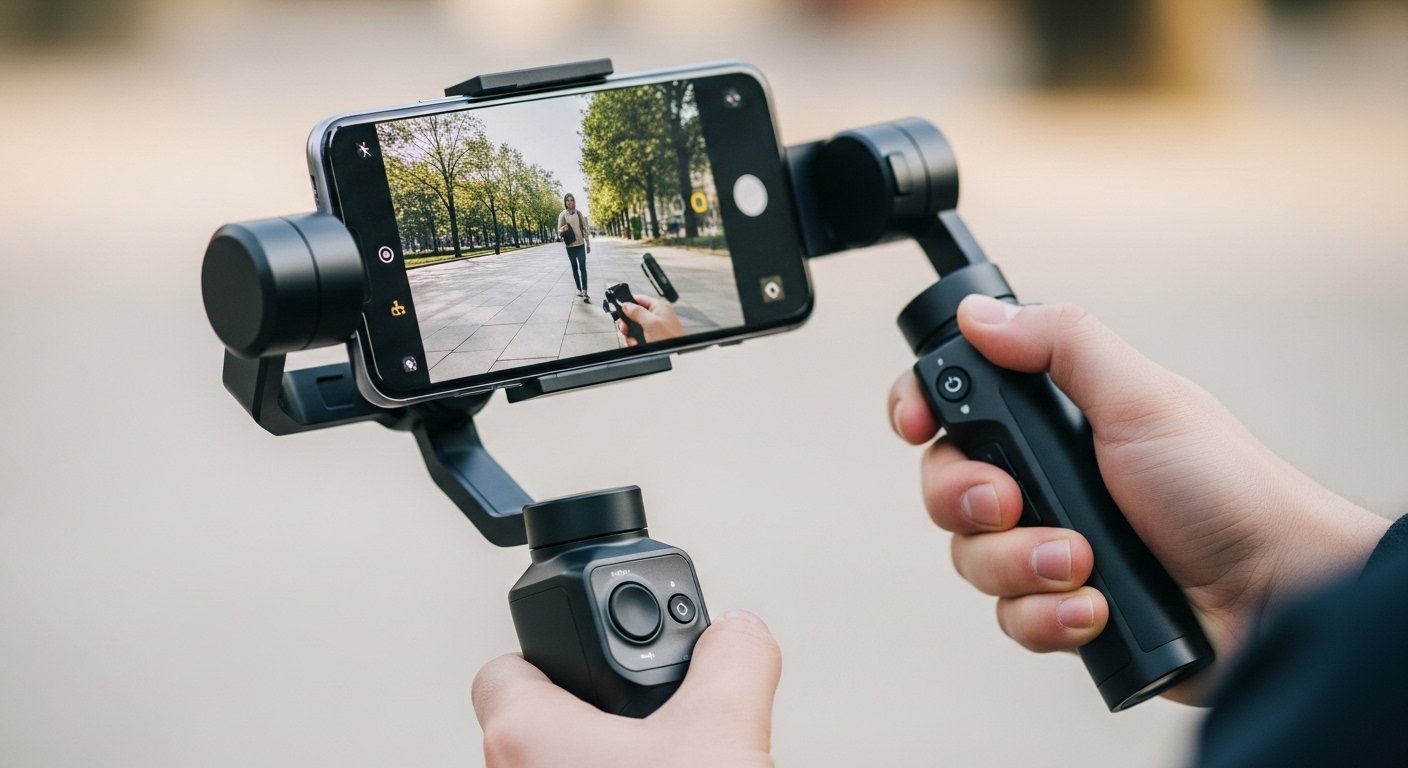
7) Smartphone gimbal — best for walking shots
If you film while moving, a gimbal can keep the footage smooth. Imaging Resource describes modern gimbals with updated stabilization algorithms, long battery life, and even app-independent AI tracking sensors.
Best for:
-
Walking vlogs.
-
Event coverage.
-
Real-estate tours.
8) Lens attachments (anamorphic / macro) — creative look, not just sharpness
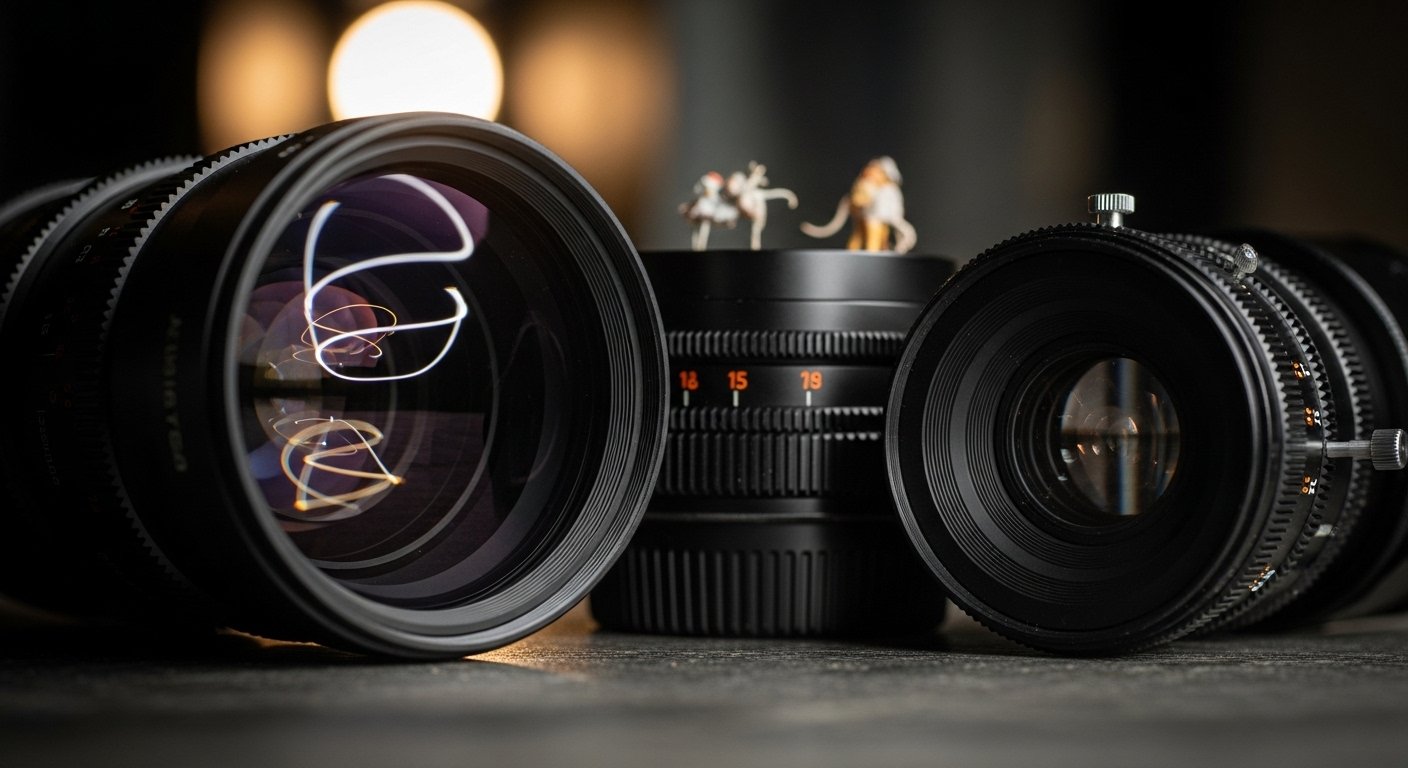
Lens attachments can add looks that your phone can’t produce natively. Imaging Resource recommends lens systems from brands like Moment and Beastgrip to unlock “creative possibilities that built-in smartphone cameras simply can’t match.” Creator accessory videos also highlight anamorphic lenses as a popular “cinematic” add-on.
Best for:
-
Cinematic b‑roll.
-
Macro product details.
-
Stylized social videos.
9) Protective case + screen protector — the boring accessory that saves money
A strong case and screen protector reduce repair risk. This matters more in 2026 because phone prices keep rising, and repairs are not cheap. Choose a case that fits your ecosystem: MagSafe/Qi2 alignment if you use magnetic charging.
10) Car mount (Qi2 if possible) — safer navigation and charging
Magnetic mounts are easier to use one-handed, and Qi2 versions can charge at the same time. If you drive often, this is one of the most-used accessories.
11) AirTag (or tracker) — best for bags, keys, and travel
9to5Mac says AirTags are “so helpful” for keeping track of bags and mentions that newer AirTags improve speaker volume and tracking range, and can sync with Apple Watch. If you travel with gear (tripod, mic kit, SSD), a tracker can save you from painful losses.
12) Mobilerig/cagee — best for “pro phone camera” setups
A rig helps you mount lights, mics, SSDs, and handles onto one stable system. Creator accessory lists include phone rigs as a way to hold phone + mic + light together for better control.
Best for:
-
YouTubers.
-
Mobile filmmakers.
-
Product reviewers.
13) Magnetic wireless charging stand — desk productivity upgrade
A stand makes it easier to keep the phone visible (notifications, calls, StandBy-style use) while charging. WIRED’s MagSafe/Qi2 guides include stands and 3‑in‑1 chargers as key ecosystem upgrades, especially for iPhone + Watch users.
Quick buying table: best accessories by need
| If you need… | Buy… | Why |
|---|---|---|
| More battery on the go | Qi2/MagSafe power bank | Faster magnetic charging (15W–25W) and better daily usability. |
| Better video quality | Wireless mic + LED light | Audio and lighting are the biggest creator upgrades. |
| Smooth walking shots | Gimbal | Modern gimbals improve stabilization and tracking. |
| ProRes/4K workflow | Portable SSD | Prevents storage bottlenecks in high-bitrate shooting. |
| Travel safety | Tracker (AirTag/Find My) | Helps locate bags and gear, improves range, and has a speaker. |
Smartphone video recording tips 2026
FAQ
What’s the single best phone accessory to buy in 2026?
A Qi2/MagSafe magnetic power bank is often the most useful everyday upgrade because it adds battery without cables, and Qi2 models can charge faster than older magnetic packs.
What do creators need first: gimbal, mic, or light?
Start with a wireless mic and a small LED light. Imaging Resource says lighting transforms smartphone footage more than any other accessory, and it also recommends high-quality wireless mics for broadcast-grade sound.
Do I really need an SSD for iPhone video?
If you shoot lots of 4K or ProRes, yes. Imaging Resource recommends fast SSDs to handle storage-heavy projects smoothly, and creator-focused EDC lists now include snap-on SSDs specifically for iPhone workflows.