
7 game-changing Apple AI features on iPhone in 2026: what Apple Intelligence really does and who benefits most
Apple’s AI story on iPhone in 2026 is no longer about a few “smart” camera tricks. It is about Apple Intelligence as a system-wide layer that runs across iOS 26, recent A‑series chips, and apps like Messages, Mail, Notes, Photos, and Safari. Apple describes Apple Intelligence as “personal intelligence for the things you do every day,” deeply integrated into iPhone, iPad, and Mac, and designed around privacy by default. On iPhone 17 Pro and similar devices, this layer is powered by the A19 Pro chip’s CPU, GPU, and Neural Accelerators, which Apple built to run large local models efficiently on-device.
The result in 2026 is a very different kind of “AI phone” than the first wave of generative gadgets: one that tries to keep most requests on-device, only reaches out to the cloud via Apple’s Private Cloud Compute when necessary, and integrates with third-party large models like ChatGPT in controlled ways. This guide breaks down the most important Apple AI features on iPhone today, explains how they work, and helps different types of users decide how much they matter.
1. Apple Intelligence: the core AI layer on iPhone
Apple Intelligence is Apple’s umbrella for on-device and private-cloud AI features across iPhone, iPad, and Mac. Apple’s overview page describes it as deeply integrated into apps and experiences, helping with writing, image creation, task management, and understanding personal context (mail, calendar, messages) while prioritizing privacy.
Key pillars:
-
Runs on-device primarily when the iPhone has a supported chip (A18, A19, and later).
-
Offloads heavier tasks to Apple’s Private Cloud Compute, which Apple says uses secure Apple silicon servers and does not store personal data.
-
Exposes features across system apps rather than through a single “AI app,” so it feels like part of iOS rather than an add‑on.
Apple’s support documentation states that with iOS 26, Apple Intelligence is integrated across apps to help “communicate, express yourself, and get things done more easily,” and that it requires recent devices with sufficient performance headroom.
2. Writing tools: rewrite, summarize, and proofread across apps
One of the most immediately useful Apple Intelligence features is system-level writing assistance. Apple’s documentation and hands-on videos show that, in supported apps, users can:
-
Rewrite text in different tones (e.g., friendly, professional, concise).
-
Summarize long emails, notes, or web pages.
-
Proofread drafts and receive suggested edits.
Real examples (based on tutorials and Apple Intelligence walkthroughs):
-
In Mail or Notes, Apple Intelligence can rewrite a paragraph into a more formal or concise version before sending.
-
In Messages, it can help draft responses based on prior context without copying the entire conversation history to a third-party service.
-
In Safari, summaries can surface the main points of a long article quickly, making reading more efficient.
These tools rely heavily on on-device language models, which Apple stresses are optimized to run locally on A18/A19‑class silicon when possible. That distinction matters in 2026 because it affects both latency and privacy.
3. Smarter Siri: Apple Intelligence meets generative AI
Siri’s 2026 upgrade is both a capability and a strategy change. Reports from Bloomberg, summarized by CNET, say Apple is preparing an AI‑enhanced Siri feature called “World Knowledge Answers” in iOS 26.4 that can generate detailed responses pulling from web data, images, video, and local information. The same report notes Apple is testing integration with Google’s Gemini model to power parts of this search tool, while Apple’s own models still handle personal context.
In parallel, real-world tutorials show how Apple Intelligence and Siri work together on current iPhones:
-
Settings now expose an “Apple Intelligence and Siri” section where users can enable Apple Intelligence features.
-
Siri benefits from a better understanding of intent, more context awareness across apps, and the ability to hand off complex requests to generative models when necessary.
-
When Apple Intelligence cannot complete a request, Siri can ask whether to use ChatGPT to help write text, create an image, or answer a complex question, after explicit user consent.
This “hybrid” design reflects Apple’s AI philosophy in 2026:
-
Keep personal data and on-device context handled by Apple’s own models and Apple Intelligence layer.
-
Use third‑party LLMs like ChatGPT or Gemini selectively for broader knowledge and creative tasks, with clear user opt‑in.
4. Visual intelligence and Photos: smarter recognition and creative editing
Apple Intelligence amplifies what the camera and Photos app can do, especially on devices like iPhone 17 Pro, where A19 Pro’s Neural Accelerators inside each GPU core are tuned for local image and video workloads.
Demonstrated AI‑driven camera andphotos capabilities on iPhone 17 Pro include:
-
Visual Intelligence that can recognize objects and text in images, identify plants and landmarks, and extract or translate text directly from the camera or Photos.
-
Generative photo editing tools that can clean up images, adjust backgrounds, and apply higher-level edits beyond basic filters, with processing done mostly on-device.
-
Smarter scene detection and subject awareness that feed into Apple’s camera pipeline, improving focus and exposure decisions without user intervention.
Apple’s A19 Pro overview highlights that Neural Accelerators are integrated into each GPU core, making local AI workloads for imaging and graphics much faster. In practice, that means AI‑assisted edits, background detection, and visual search feel more instantaneous.
5. Image creation and Playgrounds: text‑to‑image on iPhone
Apple Intelligence also enables generative image creation on iPhone. Apple’s Apple Intelligence pages and YouTube tutorials show:
-
A Playground app or experience where users can generate images from text prompts, stickers, and stylized requests (such as turning ideas into simple illustrations).
-
Integration with Messages and other apps so users can drop AI‑generated images into conversations without leaving the context.
Tutorials demonstrate how Apple Intelligence’s Playground can generate quick AI images on-device, and how users can optionally connect ChatGPT for more creative prompts and styles. This two‑tier design—fast, privacy‑focused images locally, plus more advanced or varied outputs via a third‑party model—mirrors Apple’s overall approach to AI in 2026.
For creators and social users, the benefit is convenience more than raw model capability: image tools are accessible inside Apple’s apps, with consistent UI and privacy defaults.
6. On‑device performance: A19 Pro and beyond
On iPhone 17 Pro and Pro Max, Apple’s hardware is explicitly designed around AI workloads. The product page states that A19 Pro’s CPU, GPU, and Neural Accelerators are built to run “large local language models,” with Neural Accelerators integrated into each GPU core to boost local AI performance. Apple’s newsroom release also notes that A19 Pro delivers big ML compute gains for tasks like Apple Intelligence, camera processing, and graphics.
Analysis pieces and technical commentary highlight why this matters:
-
A19 Pro’s GPU matrix multiplication acceleration allows transformer‑style models to run far more efficiently, making local summarization and generative features feasible without cloud calls.
-
TechBuzz and other deep dives quote Apple executives describing A19 Pro as an “AI‑first” chip with near MacBook Pro‑class on-device AI performance in some workloads.
Looking forward, rumor roundups for iPhone 18 suggest that the A20 chip on a 2nm process will further increase AI compute per watt, enabling larger and more capable on-device models. For users, that translates to:
-
Faster response times for Apple Intelligence features.
-
More complex tasks are handled locally rather than through Private Cloud Compute.
-
Better balance between AI capabilities and battery life.
7. Privacy and Apple’s “hybrid” AI strategy
A defining aspect of Apple’s AI approach on iPhone is its privacy stance. Apple’s Apple Intelligence page says:
-
Most requests are processed entirely on-device when possible.
-
When more compute is needed, requests go to Apple’s Private Cloud Compute, which runs on Apple silicon servers and is designed so Apple cannot retain or inspect personal data.
-
Users are clearly informed and must consent before third‑party models like ChatGPT are used via Siri or Apple Intelligence.
CNET’s summary of Bloomberg’s reporting reinforces that Apple plans to keep personal context (messages, calendar, mail) handled by its own models, while using Google Gemini for broader world knowledge in Siri’s new search tool. AppleInsider’s analysis of Apple’s “Playgrounds” approach to AI argues that Apple is deliberately positioning AI as a set of features embedded into apps, rolled out gradually and with a strong privacy posture, instead of a single all‑purpose chatbot.
For users in 2026, this means:
-
Apple’s AI features are less about replacing search engines and more about making everyday workflows smoother.
-
Data residency and transparency around when cloud AI is used are treated as core product behaviors, not optional settings.
Comparison: Apple AI on iPhone vs AI on rival phones
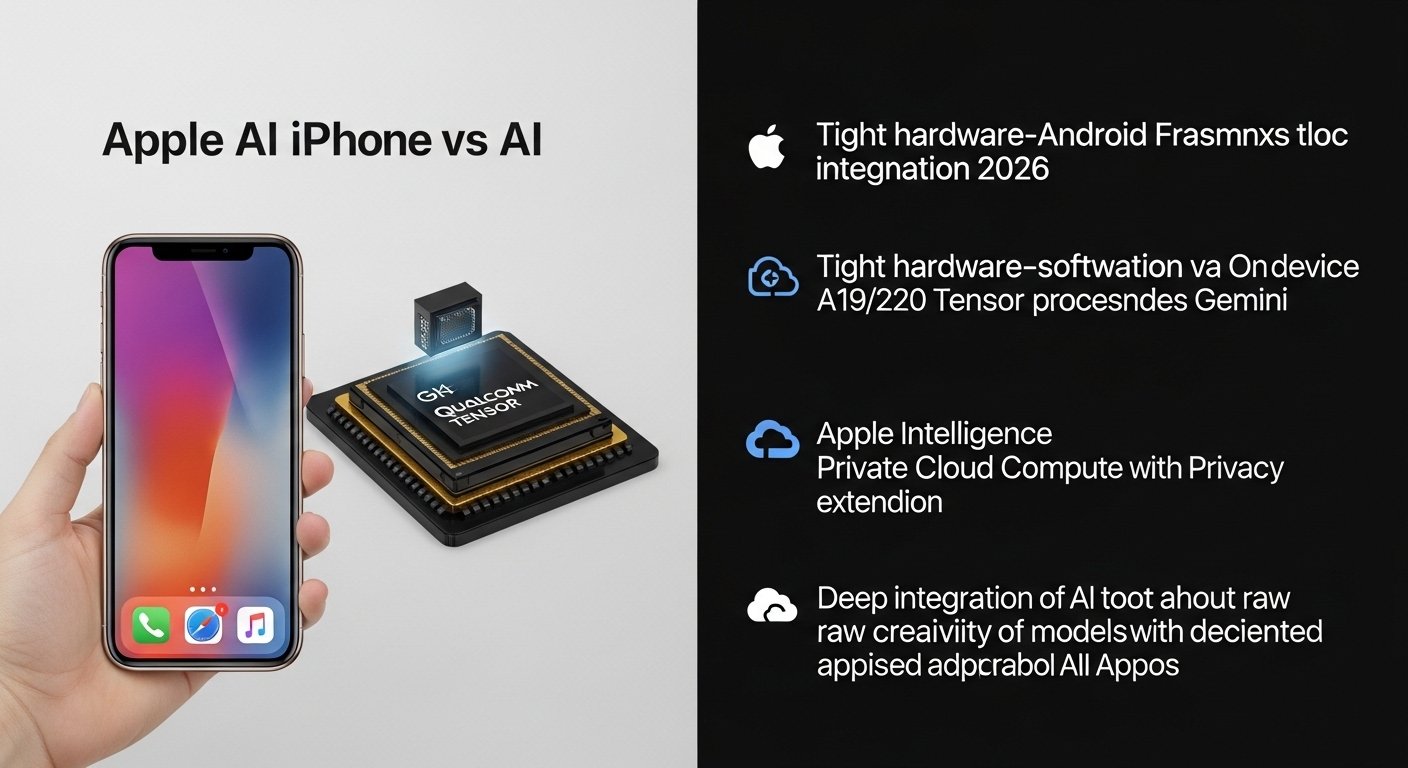
In 2026, many Android flagships also highlight AI features, often powered by Qualcomm or Google Tensor chips and cloud‑centric models like Gemini. Apple’s differentiator is the combination of:
-
Tight hardware–software integration on A19/A20‑class chips.
-
Emphasis on on-device processing via Apple Intelligence, with Private Cloud Compute as a privacy‑focused extension.
-
Deep integration of AI tools into core iOS apps rather than siloing them into a separate “AI app.”
Users who care most about the raw creativity or flexibility of models might still pair their iPhone with dedicated chatbot apps or web tools. Users who value privacy, local performance, and app-level integration are more likely to appreciate Apple’s slower but more controlled AI rollout.
Read Related Article
iPhone performance upgrades 2026
FAQ
Which iPhones support Apple Intelligence?
Apple’s documentation says Apple Intelligence requires iOS 26 and recent devices with sufficient performance, including iPhone 17 Pro and similar A18/A19‑class models; older devices may not get the full feature set.
How do you enable Apple Intelligence on iPhone?
Tutorials show that Apple Intelligence is controlled under Settings → Apple Intelligence and Siri, where you can toggle it on, configure Siri behavior, and manage when external models like ChatGPT can be used.
Is Apple Intelligence fully on-device?
Most everyday writing, image, and understanding tasks are designed to run on-device when hardware allows, but some complex requests use Private Cloud Compute. Apple says these cloud requests run on Apple silicon servers with strong privacy protections and no long-term data storage.
Does Siri really use ChatGPT or Gemini?
CNET reports that Apple is testing Google’s Gemini model to power parts of an AI‑enhanced Siri search tool, while tutorials show Siri can optionally invoke ChatGPT through Apple Intelligence when it needs broader or more creative answers, with user consent.
Are Apple’s AI features mainly for power users?
No. Apple Intelligence is designed for everyday tasks—rewriting messages, summarizing emails, organizing notes, or translating and recognizing content in photos. Power users benefit more from on-device performance and pro workflows, but the core features aim at mainstream habits.