
iOS 26.3 new features explained: what changed, what matters, and why the update is worth installing
iOS 26.3 is not a headline-grabbing redesign, but it is the kind of update that matters in 2026: small usability improvements, targeted privacy controls, and security patches that can meaningfully reduce risk on a device that carries identity, payment access, and years of personal data.
For most iPhone owners, the real question is not “what’s the single biggest feature,” but whether iOS 26.3 meaningfully improves day-to-day reliability without introducing new battery drain, app glitches, or connectivity problems.
This breakdown focuses on what iOS 26.3 actually adds, which changes may depend on region or hardware, and how to decide whether to update immediately or wait for the next point release.
What kind of update is iOS 26.3 (and what it is not)
Apple positions iOS 26 as the major “platform” release with a new design direction and broader system-level features, while point updates like 26.3 tend to refine, expand, and secure that foundation.
That distinction is useful because expectations stay realistic: iOS 26.3 is best understood as a quality-and-capability update, not a full reinvention of the iPhone experience.
Why iOS 26.3 is still important in 2026
Point releases are where Apple frequently delivers the most practical changes: better privacy controls, small UI improvements that reduce friction, and security fixes that close real-world attack paths.
In iOS 26.3 specifically, Apple published a dedicated security content document for iOS 26.3 and iPadOS 26.3, underscoring that security is a central reason to update.
IOS 26.3 new features: the changes most people will notice
Some iOS 26.3 additions are small by themselves, but they add up to a more polished daily experience—especially for lock screen customization, switching platforms, and privacy controls.
Easier “Transfer to Android” switching tool
iOS 26.3 adds a “Transfer to Android” option designed to make moving data from an iPhone to an Android device more straightforward, with the tool located in Settings under transfer/reset options.
Reported support includes common categories such as photos, messages, notes, apps, and related essentials, with a proximity-based flow intended to reduce the typical setup friction.
New Weather wallpaper options and lock screen polish
iOS 26.3 expands lock screen personalization with a dedicated Weather wallpaper category and additional layout choices, building on the broader lock screen customization story in iOS 26.
For users who check conditions at a glance, Weather wallpaper tweaks can be one of the most “felt” changes because they sit at the first screen seen dozens of times per day.
Limit Precise Location: a privacy control with real-world implications
One notable privacy-related addition highlighted in early coverage is a “Limit Precise Location” capability described as improving control over location information shared with a cellular provider by allowing a more general location instead of an exact address.
Because privacy features often roll out with constraints, it is worth checking whether availability depends on iPhone model, region, or carrier behavior before assuming it will appear on every device.
What’s new in iOS 26.3 for EU users (and why)
Some iOS 26.3 changes are tied to regulatory requirements rather than purely Apple’s feature roadmap, and that can create regional differences that confuse international readers.
DMA-driven interoperability changes
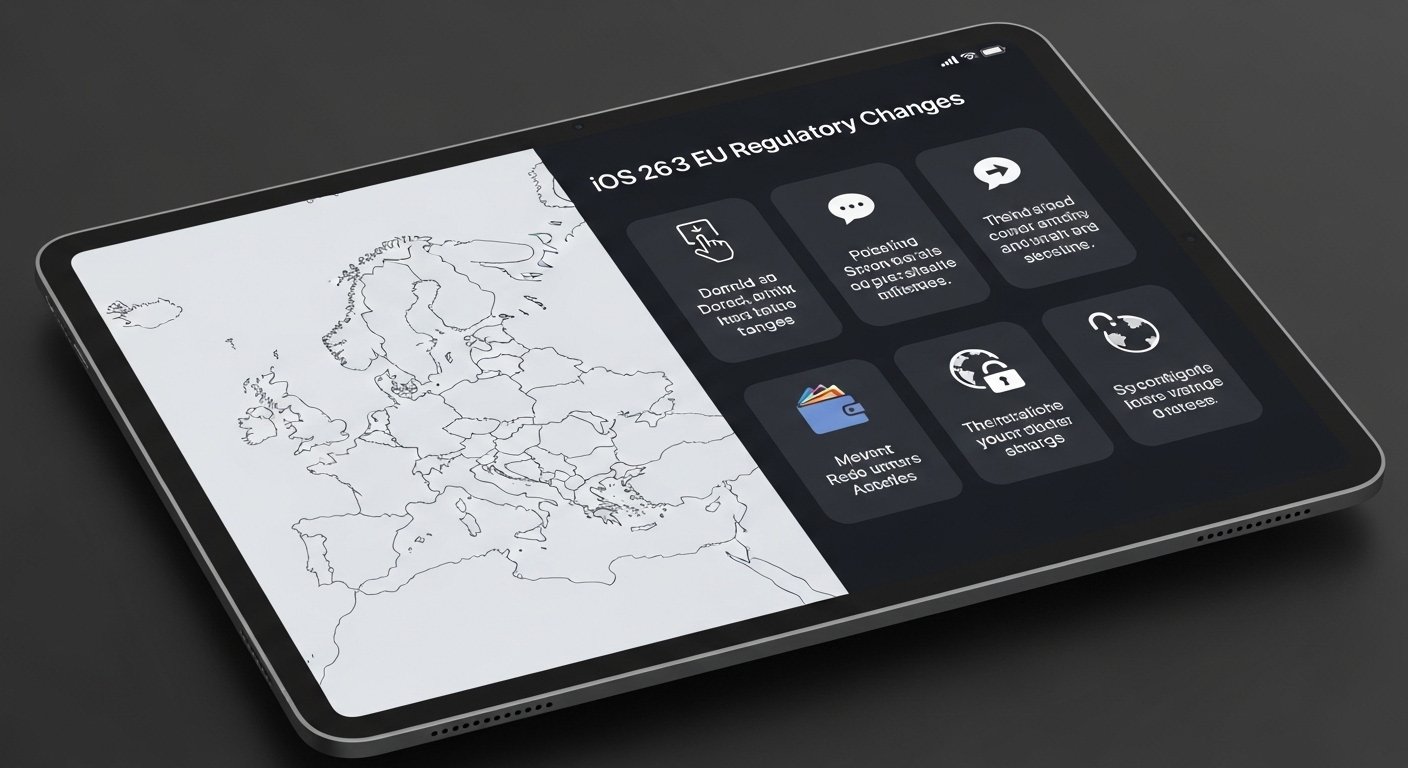
In the EU, iOS 26.3 introduces features described as being required for compliance with the Digital Markets Act, including notification-related behavior and accessory pairing improvements for third-party devices.
These changes are part of a broader trend in 2026: smartphone software increasingly varies by market due to regulation, even when the hardware is identical.
Security fixes: the strongest reason to install iOS 26.3
Apple’s security content page for iOS 26.3 and iPadOS 26.3 outlines the vulnerabilities addressed in this release.
Coverage of the update also notes that iOS 26.3 includes a large set of security fixes and highlights Apple’s statement that it was aware of reports suggesting at least one issue may have been exploited in highly sophisticated targeted attacks on earlier versions.
Who should prioritize updating right away?
Installing iOS 26.3 promptly is most important for people at higher risk of targeted attacks, including journalists, public officials, activists, executives, and anyone whose iPhone routinely handles sensitive communications.
It is also a sensible priority for users who install many apps, browse heavily in Safari, or frequently open links from messages, since mobile attack chains often start with web content and then attempt to escalate.
Who can wait briefly (and what to watch)
Waiting a short period can make sense for users on older iPhones who have been burned by past point updates,s causing battery drain or app instability, but only if the device is not in a high-risk profile.
In that case, monitoring early reports about performance and battery behavior on the same iPhone model can help decide whether to update immediately or after the first follow-up patch.
iOS 26.3 vs iOS 26: what this update does differently
iOS 26 is framed by Apple as a major release with a broader design and system feature set, while iOS 26.3 is the kind of update that refines the platform and addresses gaps discovered after the main rollout.
In practical terms, iOS 26.3 is less about introducing a new identity for iPhone and more about removing friction: improving switching flows, strengthening privacy options, and tightening security.
Feature expectations by iPhone tier
In 2026, iOS features increasingly land unevenly across devices because newer iPhones have more headroom for on-device intelligence, camera processing, and background tasks.
Even when iOS 26.3 installs on a wide range of iPhones, the most demanding capabilities and the smoothest performance typically favor newer chip generations.
How to update safely (and reduce post-update headaches)
Point updates are usually straightforward, but a careful routine reduces the chance of losing time to storage issues, stuck installs, or battery surprises.
- Back up the iPhone before updating, especially if it is used for work-critical authentication or travel.
- Free up storage if the device is near capacity, since low space can cause slow installs and post-update indexing strain.
- Plan for a short “settling” period after updating, when the phone may run warm as it re-indexes photos and data.
If security is the primary motivation, Apple’s official security content page is the most authoritative place to review what iOS 26.3 fixes: About the security content of iOS 26.3 and iPadOS 26.3.
Read Related Article
iPhone 18 vs iPhone 17: should you upgrade?
FAQ
Is iOS 26.3 a major update or a minor one?
It is mainly a point-release update focused on refinements, targeted feature additions, and security fixes rather than a full redesign.
What are the most useful iOS 26.3 features for everyday users?
Standout changes highlighted in coverage include the “Transfer to Android” switching tool, Weather wallpaper updates, and a new privacy-related location control described as “Limit Precise Location.”
Does iOS 26.3 include important security fixes?
Yes, Apple published a security content document for iOS 26.3 and iPadOS 26.3 detailing vulnerabilities addressed in the release.
Are some iOS 26.3 features limited to the EU?
Yes, some iOS 26.3 changes are described as EU-specific and tied to Digital Markets Act compliance, so not every feature applies globally.
Should iOS 26.3 be installed immediately?
For higher-risk users, prioritizing iOS 26.3 is sensible due to the security fixes and Apple’s acknowledgment aofexploit reporting for at least one issue on earlier iOS versions.
